Small Business Automation: A Practical Starter Guide (2026)

On this page
A woman who runs a two-chair hair salon showed me her month once. Every Sunday night she sat at her kitchen table for three hours. Texting clients their Monday appointment times. Copying invoice numbers into a spreadsheet. Chasing the two people who ghosted their booking. Posting the same "we have openings this week" note to Instagram and Facebook by hand.
Three hours a week. Call it twelve a month. At what her time is actually worth, that's close to $2,000 a month of admin she was doing with her thumbs.
None of it needed her. That's the part that got me. Not one of those tasks required a human brain, a decision, or a shred of her actual talent. She was the most expensive data-entry clerk in her own business.
If any of that sounds like your Sunday, this guide is for you. I'm going to show you what to automate first, the cheap tools that do it, and how to set the whole thing up without hiring anybody.
Why small businesses win the most from automation
The big company automating a task saves a salaried employee some clicks. You automating that same task get your Sunday back. That gap is the whole reason this matters more for you.
Thin teams feel every hour. When you're a staff of one, two, or five, the admin doesn't get absorbed by some department. It lands on the owner, usually at night, usually after a full day of the actual work. So the return on automating an hour is higher for you than for anyone at a Fortune 500. For them it's a nicer quarter. For you it's your evenings back.
And the tools finally caught up. Ten years ago this stuff meant hiring a developer and paying for custom software. Now most of it is drag-and-drop, and a lot of it is free until you're doing real volume. The gap between "I wish this happened automatically" and "it does now" is a Saturday afternoon, not a project budget.

One honest warning before you get excited. Automation copies whatever you feed it, mistakes included. If your booking process is a mess, automating it gives you a faster mess. Fix the process by hand first, get it working, then automate the version that works. Automation is a multiplier, and multiplying zero still gets you zero.
What to automate first
Don't try to automate your whole business this weekend. You'll burn out and quit. Pick the tasks that hurt the most and risk the least.
I use two questions. How much of my week does this eat? And what happens if it breaks for a day? The sweet spot is high pain, low risk. Something repetitive and annoying, where a glitch costs you an awkward text, not a lost customer or a botched payment.
Appointment reminders are the classic first win. High pain, almost zero risk. Nobody's business dies because one reminder text fired an hour late. But those reminders can claw back a chunk of no-shows, and setting them up takes an afternoon.
What I'd leave for later: anything that touches money moving out, anything legal, anything where a wrong automated message damages a relationship you can't easily repair. Start where a mistake is cheap. Build your confidence there.
Six automations worth setting up
These are the ones I see pay off fastest for small shops. You don't need all six. Pick two.
Invoicing and payment follow-up. If you're still writing invoices by hand and remembering who hasn't paid, stop. QuickBooks, Wave (free), or Stripe Invoicing can generate the invoice, send it, and nudge the client automatically when it's overdue. That overdue nudge alone is worth it. Most people don't stiff you on purpose, they just forget, and you hate the awkward reminder text enough to skip sending it. Let the software be the bad guy.
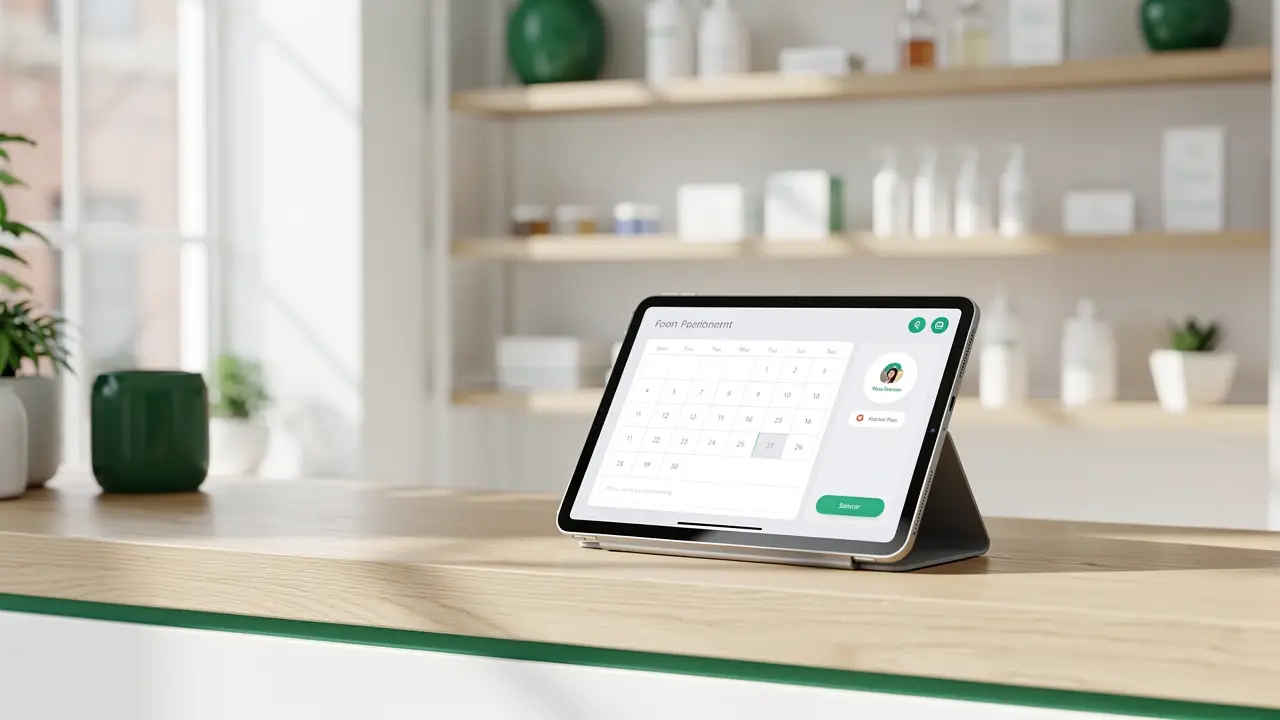
Appointment reminders. Booking tools like Calendly, Acuity, or Square Appointments send confirmation and reminder texts on their own once a client books. No-shows drop, and you stop being a human alarm clock. If your booking already lives in one of these, the reminder feature is probably sitting there switched off right now.
Review requests. The single highest-leverage automation for a local business, and almost nobody does it. Two days after a job or a visit, an automatic text goes out: "Hope you loved it, mind leaving us a quick review?" with the direct link. Every extra Google review is compounding local SEO. You can rig this with your booking tool, or wire it up in Zapier: job marked complete, wait two days, send the text.
Social media scheduling. You do not need to open Instagram at 9am to post. Buffer (free tier), Later, or Metricool let you load a week of posts on Monday and forget it. You're not trying to look like a media company here. You're just killing the daily "did I post today" tax on your attention.
Lead follow-up. A lead that waits an hour goes cold. When someone fills out your contact form, an automation can text or email them back in sixty seconds, drop their info into your spreadsheet or CRM, and ping your phone. Speed alone wins deals your slower competitor loses. This one's usually a Zapier or Make job connecting your form to your phone.
Inventory and low-stock alerts. If you sell physical product, you already know the pain of finding out you're out of your bestseller from an angry customer. A simple automation watching your Shopify or Square inventory can text you when something drops below a threshold. Cheap insurance against your most embarrassing kind of lost sale.
Notice what these have in common. They're all boring. Nobody dreams of being a business owner so they can send reminder texts. That's exactly why you should hand them to a machine and spend your brain on the work only you can do.
The cheap tool stack
You can start for free. I mean that literally. Here's how I'd think about the tools, cheapest first.
The apps you already pay for. Before you add anything, check what you've got. Your booking tool probably sends reminders. QuickBooks chases invoices. Shopify has stock alerts baked in. Square does half of this list on its own. A huge amount of "automation" is just flipping on a setting you already own. Start there. It's free and it's fastest.
Zapier is the friendliest connector for a non-technical owner. It links your apps together in plain English: when this happens, do that. The free tier covers simple two-step automations, which is enough for your first few. It gets pricey as you scale up volume and steps, and that's the honest catch. Great to start, watch the bill later. If you outgrow it, we wrote up a list of Zapier alternatives worth a look.
Make (formerly Integromat) does the same job as Zapier with more power per dollar and a slightly steeper learning curve. If you like the puzzle of it, you'll get more automation for less money here. If diagrams stress you out, stay on Zapier. Here's a fuller breakdown of the best AI automation tools if you want to compare them side by side.
n8n is the one to grow into. It's open source, and if you self-host it, the tool itself is free, you just pay for the little server it runs on, often a few dollars a month. That's a real difference once you're running dozens of automations that would cost real money on Zapier. The tradeoff is you need to be a bit more technical, or willing to learn. If you're curious, start with what n8n is and these n8n workflow examples to see what it can do.
My honest recommendation for most owners reading this: turn on the built-in features you already own, then use Zapier's free tier for the gaps. That combination costs you nothing and covers most of the six automations above. Reach for Make or n8n only when the volume makes the math worth it.
How to start without a developer
You don't need to code to do any of this, and you don't need permission from anyone. Here's the path that works.
Pick one task. Just one. The one that annoyed you most this week. Write down what actually happens, step by step, the way you do it now. "Client books, I text them the day before, they reply, I confirm." That sentence is your automation, you just wrote it in plain English.
Now find where it lives. Check the tool you already use for that task and search its settings for the feature. Nine times out of ten it's there. If it's not, that's when you open Zapier, connect the two apps involved, and rebuild your plain-English sentence with their triggers.
Test it on yourself first. Book a fake appointment. Send a test invoice to your own email. Watch the whole thing fire before you point it at a real customer. Then turn it on and leave it alone for a week. If it holds, add the next one.
That's the whole method. One task, tested, live, then the next. People fail at automation because they try to build the entire system in one heroic weekend. Build one small thing that works, and let it earn your trust before you stack on more.
When to hire help instead
Sometimes doing it yourself is the wrong call, and I'll be straight with you about when.
If the automation touches your money in a way a bug could really hurt, anything near payroll or tax, get someone who knows the tools to set it up and check it. Paying a few hundred dollars once to have it done right beats a costly mistake that runs quietly for three months before you notice.
If you've mapped out something with a dozen steps across five different apps, that's past weekend-project territory. That's when an automation freelancer earns their fee. They'll build it faster than you'd learn to, and you can watch and learn while they do.
And if you find you genuinely like this stuff, the puzzle of wiring systems together, that's worth noticing. There's a whole career in it now. Plenty of people have turned "I automated my own small business" into running an AI automation agency that does it for other businesses. The skill you build fixing your own Sunday is a skill people pay real money for.
FAQ
What should a small business automate first? Appointment reminders or invoice follow-ups. Both are high-pain, low-risk. They eat your time every week, and a small glitch costs you an awkward text rather than a lost customer. Get one of those working, feel the relief, then move to the next.
How much does small business automation cost? It can genuinely cost nothing to start. Most booking, invoicing, and e-commerce tools have automation features already included in what you pay. Zapier's free tier handles simple connections between apps on top of that. You only start paying real money when you scale into high volume or many steps, and by then the time you're saving more than covers it.
Do I need to know how to code? No. Tools like Zapier, Make, and the automation settings inside your existing apps are built for non-technical owners, all drag-and-drop and plain language. You'd only touch anything code-adjacent if you grow into self-hosting something like n8n to save money at scale, and even that you can learn as you go.
Will automation make my business feel impersonal? Only if you automate the wrong things. Automate the boring back-office stuff like reminders and invoices, and you free up time to be more personal where it counts. The goal is to hand off the work that never needed a human so you can show up as one everywhere else.
Your Sunday night doesn't belong to your invoices. Start with one task this week, the one that annoyed you most, and let a machine take it off your plate for good.
And if you catch the bug for this, if wiring these little systems together starts to feel less like a chore and more like a thing you enjoy, that instinct is worth following. Learning to build automations properly is one of the most useful skills you can pick up right now, whether you use it to run your own shop or to get paid building them for others. We teach exactly this inside CodingPhase, from someone who has actually built the systems, not just watched a video about them. Learn to build it yourself, or at least learn enough to hire the right person and know they did it right.