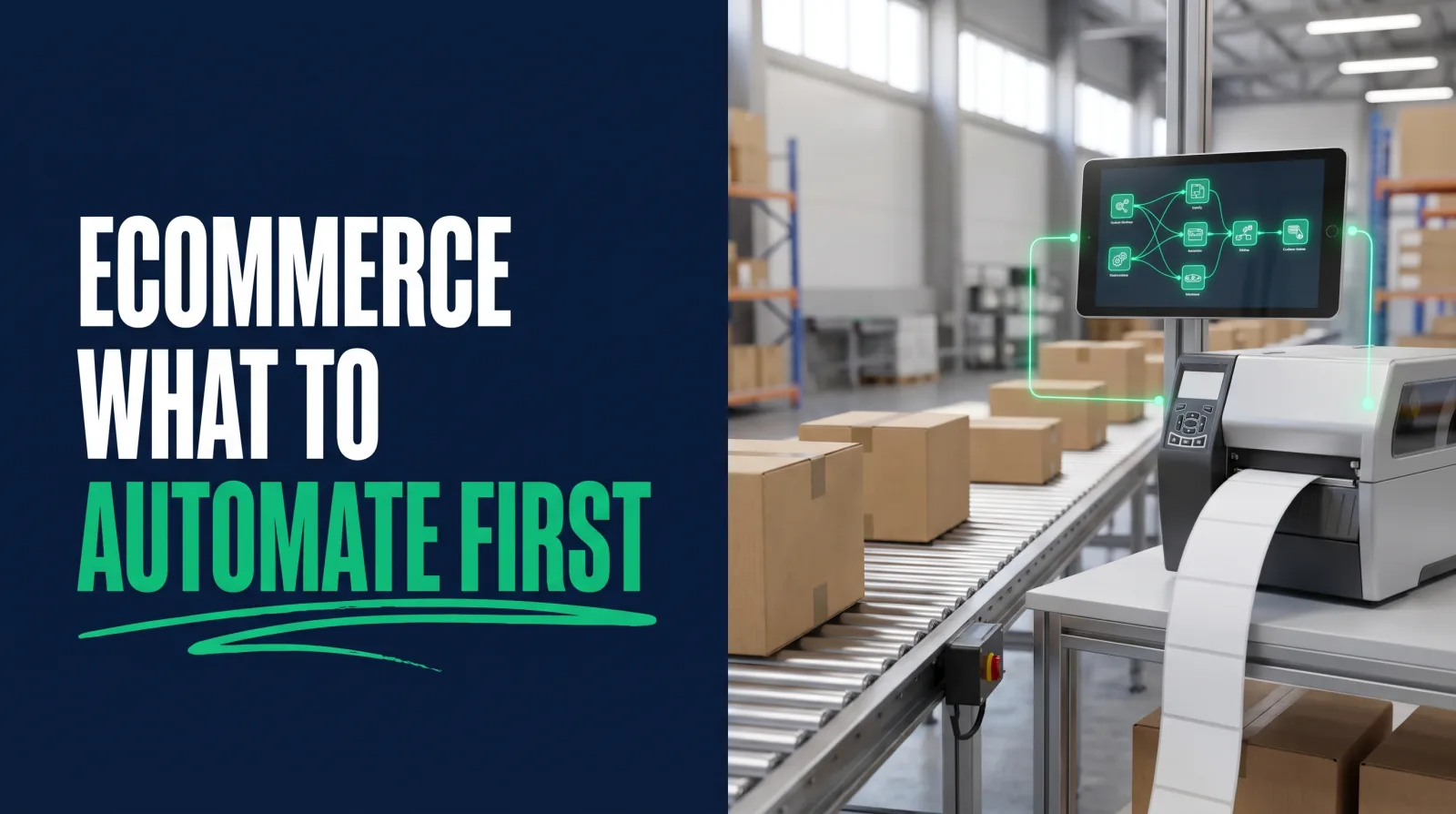
Ecommerce Automation: What to Automate First in a Real Store
On this page
Baymard Institute keeps a running average of how often online shoppers walk away from a full cart. The current figure is 70.22%, drawn from 50 studies. Seven of every ten carts, gone, and in a lot of stores the only thing that happens next is nothing.
That number is the easy argument for ecommerce automation, and it's also where people go wrong, because they hear "automation" and start buying apps for the flashiest problem they can find.
Picture a small store on a Monday morning. Somebody is copying weekend sales into a spreadsheet, somebody else is checking whether the blue medium is really out of stock, and a customer has emailed twice asking where their package is. None of it is hard. All of it eats the day.
That's where I'd begin. Ecommerce automation pays off first on the dull work that repeats a hundred times a week, and the fancy stuff can wait. You might be thinking, "My store is too small for this," or "I'd have to be a developer." You're probably wrong on both counts, and I'll show you why.
What store automation means in practice
Store automation means software carries out a repeating task when a specific event happens, such as a customer buying something or stock falling below a set level. Each automation has a trigger, optional conditions and one or more actions, and no person has to start it.
Every tool uses that same skeleton. A customer pays (event). The total is over $200 (condition). Tag them as VIP and notify the team in Slack (actions).
Once you see that shape, the whole category gets smaller. Flow, Klaviyo, Zapier and n8n are different products, but you're doing the same thing in each: listening for an event, checking some facts and doing something about it.
Ecommerce automation splits roughly into two jobs. Operations automation moves purchases, stock and data around behind the scenes. Marketing automation talks to the customer, mostly through email and SMS. Stores usually start with the second one because an app makes it easy, though I'd argue the first one is where the owner gets their life back.
Automate these first: orders, stock and customer email
Automate order routing, low-stock inventory alerts and transactional customer email first. These tasks happen constantly, follow clear rules and cost real money when they slip, so they return time quickly and carry little risk if something misfires.
Rank every candidate by two questions: how often does this happen, and how bad is it when someone forgets? High on both goes first.
Orders. Tag each order by value, region or product type the moment it arrives. Flag risky ones for a human to check. Send wholesale buyers to a different queue. Push paid purchases into your accounting tool or your warehouse system so nobody has to retype them, because retyping is where a customer's shipping address goes wrong. If your fulfillment runs from more than one location, routing rules alone can save hours, and your fulfillment team gets a cleaner queue.
Inventory. A low-stock alert is about the highest-return five minutes in all of ecommerce automation. When inventory for a best seller drops below your threshold, message the buyer. Add a second rule that hides products with no inventory, or moves them to the end of a collection, so paid traffic stops landing on items no customer can buy. Set each inventory threshold from your real restock time, since a product that takes six weeks to arrive needs a much earlier warning than one you can replace by Friday.
Customer email. Order confirmations and shipping notices come with the platform. Build on them with the handful of flows that earn revenue on their own: a welcome series, a cart reminder, a post-purchase check-in and a win-back for customers who've gone quiet. Klaviyo's 2026 abandoned cart benchmarks put email revenue per recipient at an average of $6.77 across more than 110,000 customers, and $13.70 for the top 10% of brands. I go through how to set these up in this guide on Klaviyo flows.
Do them in that order if you can, and finish one before you start the next. A store with three automations that run correctly is in better shape than a store with thirty that nobody has checked since March.
What to leave manual in an online store
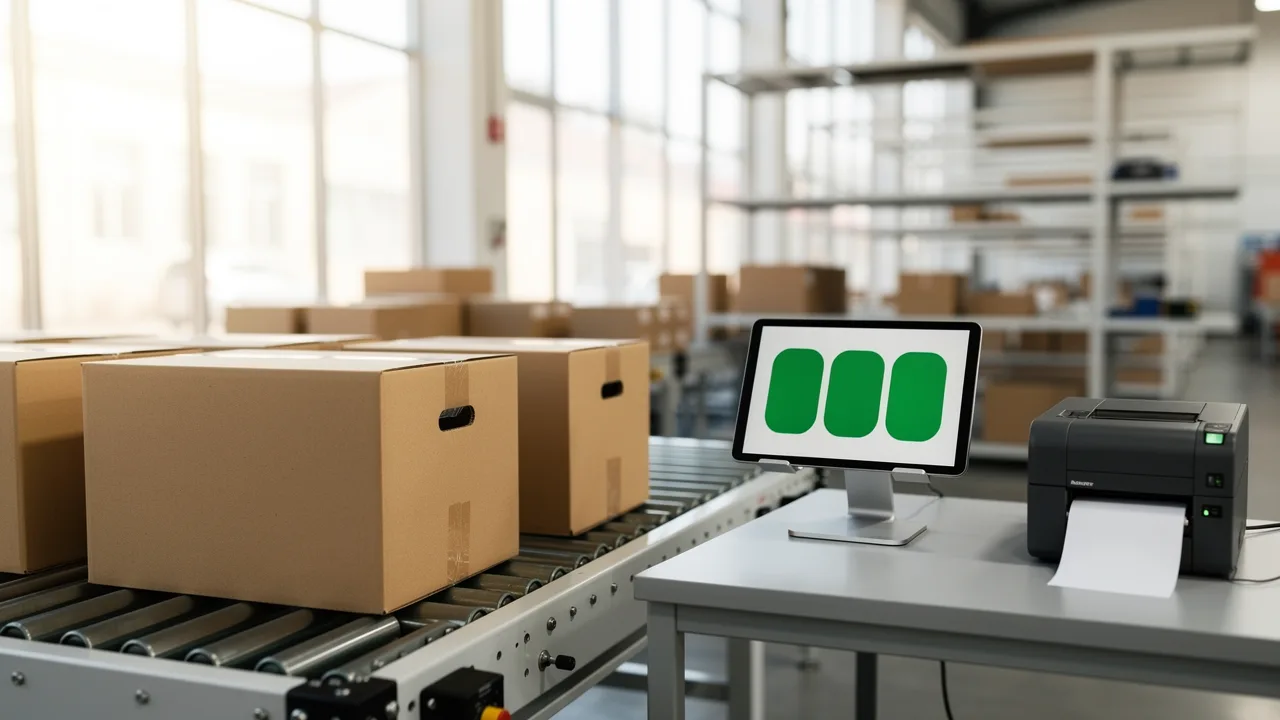
Leave refund exceptions, angry customer conversations, supplier negotiations and final pricing decisions in human hands. These tasks depend on context software cannot see, and one wrong automated message to an upset customer can cost far more than the minutes it saved.
I'd keep a person on anything where the customer is already unhappy. A bot replying "We're sorry for the inconvenience!" to someone whose wedding gift arrived broken is how you get a one-star review with a screenshot attached. Let automation collect the receipt, the photo and the customer's history, and then let a human write back.
Be careful with automated discounting as well. A flow that hands out 20% to anyone who hesitates teaches your customers to hesitate.
Automated pricing can be useful at scale, and it can quietly sell your best product at a loss if a data feed breaks. Have it propose changes, and have someone approve them. Pricing mistakes reach every customer at once.
The ecommerce automation tools worth learning
Shopify Flow handles automation inside a Shopify store, Klaviyo runs customer messaging, Zapier connects apps quickly with little setup, and n8n handles complex, high-volume jobs. Most stores need Flow and Klaviyo first, then add one of the others.
Which of these automation tools you need depends on where the data has to travel.
| Tool | Best at | Billing logic | Watch out for |
|---|---|---|---|
| Shopify Flow | Tags, inventory and purchase rules in your store | Free app you install from the App Store | Check that your plan includes the action you need |
| Klaviyo | Messages based on customer behavior | Priced by active profiles | Costs climb as your list does, so clean it |
| Zapier | Fast connections between apps | A task is each successful action | Busy stores burn through tasks quickly |
| n8n | Complex logic and high volume | Per run, or self-hosted | You own the upkeep if you self-host |
I'd begin with Flow since it's already sitting in the App Store and it reads your store's events natively. Each one starts from a single trigger, then runs through your conditions and actions.
Klaviyo is a common choice for customer messaging on these stores, so it's the safe second move.
Reach for Zapier or n8n when a job has to leave those two systems and touch a warehouse tool, a Google Sheet and a Slack channel at once. That's where a good integration earns its keep. If that's your situation, read my comparison of n8n vs Make, see a wider set of AI automation tools, and borrow from these n8n workflow examples so you aren't starting from an empty canvas.
Three real automations you can copy
Three workflows cover most stores' first wins: a low-stock alert that starts on inventory changes, a VIP tagger that starts on paid purchases and a cart reminder that starts when checkout begins. Each one has a single trigger and only a few steps.
The low-stock alert. Build it in Flow.
- Starts when: inventory quantity changes.
- Condition: the available quantity is at or under your reorder point, and the product is tagged as a core item.
- Action: post to a Slack channel or email the buyer with the SKU and current count.
The tag matters. Without it, you get an alert for every clearance leftover, and within a week your team mutes the channel.
The VIP tagger. Also Flow, connected to Klaviyo.
- Starts when: a purchase is paid.
- Condition: the customer's lifetime spend is over a figure you pick, using your own data on what your top 10% spend.
- Action: add a "VIP" customer tag, then let Klaviyo's segment pick up that tag and enroll them in early access emails.
Nothing about this needs code, and now your best customers get treated like your best customers without anybody remembering to do it. A customer who spends more gets noticed automatically, and that customer tends to stick around.
The abandoned cart reminder. Build it in Klaviyo.
- Starts when: a shopper begins checkout.
- Filter: they haven't bought anything since the flow began, and they haven't received this flow in the past 30 days.
- First message after a delay of a few hours: a plain reminder with the items in the cart.
- Second message about a day later: answer the likely objection, such as shipping cost or the return policy.
- Optional third message: an incentive, only if your margins can stand it.
The filter in step two is the whole game. Skip it and you'll chase people about an order they already paid for.

Where automation breaks a store
Automation breaks a store when workflows overlap, when nobody watches for failures, or when a bad data source spreads an error across every sale. The damage scales with volume, so a mistake that would affect one customer by hand can reach thousands before anyone notices.
The classic failure is two tools doing the same job. One app sends a cart reminder, Klaviyo sends another, and the customer gets both within the hour.
Silent failures are worse. An API token expires, a sync quits, and everything downstream simply stops. Nobody gets an error. Three weeks later someone asks why repeat purchases fell off. So give every important workflow a failure alert and a named owner, and check it on a calendar reminder each month.
And test on real edge cases before you switch anything on. What happens with a split shipment? A partial refund? A customer who used a gift card? A cart with a pre-sale item and an in-stock item together? If you can't say what your automation does in those four cases, it isn't ready.
My rule is short: automate a process only after you can do it correctly by hand, because a machine will repeat a mistake with perfect enthusiasm. That line is worth keeping on a sticky note.
Who gets paid to build ecommerce automation
Ecommerce managers, email marketers, Shopify specialists and AI automation specialists all build this work, either on staff or as freelancers. Companies pay for it because a working automation saves hours or recovers revenue that can be counted directly on a report.
Automation is one of the easier skills to defend at a salary conversation. "I set up a post-purchase flow and an inventory alert" is concrete, and a store owner can check the result against last quarter's numbers. You're attached to the money, which is the safest place to be during a budget meeting.
Look at the roles it shows up in. An ecommerce manager is expected to know what should be automated even if someone else builds it. An email specialist lives in Klaviyo. A store specialist wires up Flow and apps for merchants. An automation specialist takes on the messy stuff across systems, often as a contractor working with several stores at once. It's a set of skills that tends to travel well, since nearly every online business has the same problems wearing different logos. You can measure the effect with ecommerce metrics like repeat purchase rate and average order value, which is how you show your work.
These are the kinds of roles we prepare people for, and they pay $75k+, individual results vary.
How to learn ecommerce automation with CodingPhase
CodingPhase teaches this through two connected career paths. The AI Automations path covers APIs, webhooks and JSON, plus Zapier, n8n and Trigger.dev. The Ecommerce Specialist path covers building and customizing Shopify stores, so the automation you learn has a real store to run in.
Start with the AI Automations career path if the workflow side is what pulls you in. The AI Automations course starts from how a workflow is put together, moves through data, APIs, JSON and webhooks, covers testing and errors, then goes into the actual tools. Learn webhooks once and you'll understand every tool in the table above.
Pair it with the Ecommerce Specialist path if you want to be the person who can build the store as well as wire it up. Having both is a strong combination for a career changer, because a merchant would much rather hire one person who understands the whole machine.
Everything sits inside Diamond, which is listed at $60 a month or $365 a year, with at least 30% off at all times, so you're really looking at about $42 a month or about $255 a year. That includes 90+ courses, guided career paths, portfolio templates, an ATS-ready résumé builder, a job board and an 80,000+ member community. You also get two live calls every week, Accountability on Wednesdays at 7 PM ET and Money Talk on Sundays at 8 PM ET, so when a webhook won't fire you have people to ask. There's a 7-day money-back guarantee if it turns out not to be for you.

FAQ
What can you automate in an online store? Order tagging and routing, low-stock alerts, customer segmentation, welcome and cart reminder emails, review requests, and syncing data to accounting or warehouse software. Exceptions and upset customers still need a person.
Is ecommerce automation worth it for a small store? Usually, yes, as long as you begin small. A low-stock alert and a cart reminder are cheap to run and quick to build. I'd hold off on anything that needs a monthly tool bill until you've measured what those first two return.
Does Shopify have automation built in? Yes. Flow is a free app from Shopify that automates tasks on store events like new orders and inventory changes. You install it from the App Store, and it's worth confirming that your plan supports the specific actions you want.
What skills do you need to build this? Clear process thinking comes first, followed by comfort with conditions and basic data formats such as JSON. You don't need to be a software developer to start, though understanding webhooks and APIs opens up much more complex work.
If you own a store, go set up the low-stock alert this week. It's a small thing, and you'll feel the difference the first time it saves you from an oversold best seller.
If you'd like to be the person stores hire to do this, the AI Automations path is a good place to start, and we'll be on the Wednesday call when you get stuck.