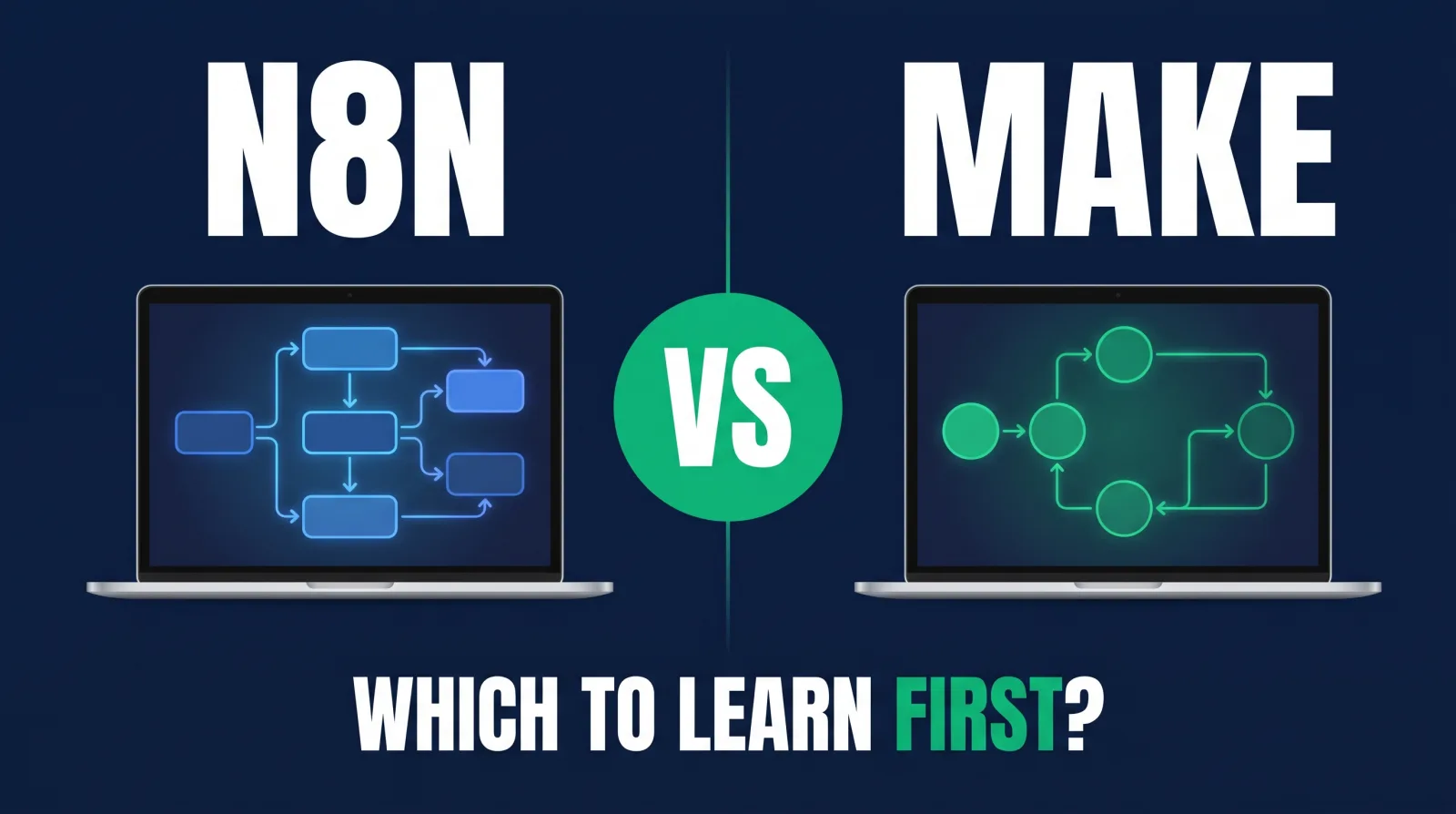
n8n vs Make: Which Automation Tool Should You Learn First?
On this page
Open n8n's pricing page in one tab and Make's in another. Before you compare a single dollar amount, notice that the two companies aren't even counting the same thing. n8n bills you for each time a whole workflow runs. Make bills you for nearly every action inside the workflow.
That one difference explains most of the n8n vs Make debate, and it's the reason a workflow can look cheap in one tool and expensive in the other.
You probably landed here with a practical worry. You've got limited evenings, you want to learn one automation tool well enough to get paid, and you're afraid of spending three months on the wrong one. Fair enough. I'll give you my pick right away and then show you how I got there, including the cases where I'd tell you to go the other way.
Make vs n8n: the short answer
In the n8n vs Make choice, learn n8n first if you want automation to become a career. It costs less at volume, you can self-host it, and it teaches how data moves. Choose Make first if you want a polished visual builder and quick results without managing a server.
My recommendation is n8n, and it isn't close for someone building a career. Make is a very good product. It's friendlier in the first hour, with thousands of ready-made integrations (Make advertises 3,500+), and a marketing team that needs something running by Friday may be happier there. But the things n8n forces you to learn are the things that make you employable with any automation tool.
| n8n | Make | |
|---|---|---|
| Billing unit | One workflow execution, however many steps | Credits, most actions cost 1 |
| Free option | Self-hosted Community Edition | Free plan with 1,000 credits a month |
| Run on your own server | Yes | No option on its pricing page |
| Builder | Node canvas, closer to the data | Scenario canvas, very visual |
| Custom code | Built-in Code node | Code app, plus built-in functions |
| Best first user | Future automation pros | Ops and marketing teams who want speed |
How each tool thinks: nodes vs scenarios
n8n builds a workflow from connected nodes that pass JSON data along a canvas, while Make builds a scenario from modules that show bundles of data moving between circles. Both are visual, but n8n exposes more of the underlying data and Make hides more of it.
In n8n, each node takes items in and hands items out, and you can open any node to inspect the exact JSON that went through it. The first time you do that, it's a bit like looking under the hood of a car you've only ever driven. That transparency is why people who learn n8n tend to understand APIs quickly.
Make looks more like a friendly flowchart. Modules connect, routers split the path and iterators loop through lists. Make's mapping panel is lovely for pointing at a field and dropping it where you need it, and it spares you a good deal of syntax. Some people will never want more than that.
Consider a simple integration project. A form comes in, you enrich the lead, score it with an AI model, then send high scorers to a CRM and low scorers to a nurture sequence. Both tools handle that without complaint. In n8n you'd likely write a small expression to shape the data. In Make you'd likely click through the mapping panel. Same workflow, two different ways of thinking about it.

Pricing: operations vs executions at real volume
n8n charges per workflow execution regardless of step count, and Make charges credits for most actions. Long workflows that run often therefore cost far less on n8n, while short, infrequent jobs can sit comfortably on Make's lower plans.
The pricing model matters more than the sticker price, so here's the arithmetic.
Say a store runs 2,000 orders a month through an 8-step workflow. In n8n's terms, that's 2,000 executions. n8n's cloud Starter plan listed 2.5K executions at €20 a month billed annually when I checked in November 2026, and Pro listed 10K at €50 billed annually, so that workload fits on Starter.
In Make, those same runs use about 16,000 credits, because 8 actions times 2,000 runs is 16,000. It gets more lopsided with loops. If you iterate through three line items on every order, the actions inside the loop run three times each. Make itself says one run can use anywhere from two credits to thousands. You used to hear these called operations, and older tutorials still say so. Credits are the current unit, and most actions cost one.
I'm not printing Make's dollar figures here since the cost scales with the credit tier you choose, and you should read today's number on its page before you trust anybody's blog, including this one. Router modules and error handlers don't use credits, which is a nice touch. Unused credits expire at the end of the term.
So n8n pricing rewards long, busy workflows. Make pricing can be perfectly reasonable for a short automation that runs a few hundred times a month, and in that situation the difference may not be worth caring about. I keep a closer look at n8n's plans in this n8n pricing guide.
Running it yourself, and who owns the data
n8n can run on your own server through its free Community Edition, which keeps workflow data on infrastructure you control. Make runs as a hosted cloud service, so your data passes through Make's platform and its pricing page offers no route for running it yourself.
For a healthcare company, a law firm or a client with a nervous security team, this settles the question before anyone looks at a feature list.
You can self-host n8n on a small cloud server, and n8n's docs say the Community Edition includes almost the complete feature set. The things it leaves out are mostly team features: SSO, environments, Git version control, log streaming and shared credentials.
There are two costs people gloss over. First, you own the upkeep. Updates, backups and the 11 PM outage are all yours, and a workflow on your own server that quietly dies is your problem. Second, read the license. n8n uses a Sustainable Use License, which covers your own internal business use, and it does not let you offer n8n to your customers so they can connect their accounts and build workflows. Building a workflow for a client on their own instance is a different thing from reselling n8n as a product. If your plan is close to that line, n8n's license FAQ is worth a careful read.
Make removes the upkeep entirely. If nobody on your team wants to think about servers, that's a real benefit, and for many small businesses it's enough to settle the matter.
AI agents and custom code
Both tools can run AI agents inside automations. Make places agents on its main canvas, while n8n offers dedicated AI nodes plus a Code node for JavaScript or Python, giving developers more room when a workflow needs custom logic or unusual data handling.
n8n's advanced AI features let you connect models, memory and tools to an agent, and then mix that agent with normal workflow steps. When a pre-built integration doesn't exist, the HTTP Request node can call nearly any API, and the Code node handles what's left. That pairing means you rarely get stuck.
Make has moved fast here as well. Its AI agents are built on the same canvas as everything else, can act across its full integration catalog, and show their decisions in a Reasoning panel. You can add approvals and rules around them, and I like that design. Make also has a Code app, though some AI features use more credits than a standard action, so watch your usage while you experiment.
On AI agent work I'd give n8n the edge for builders and Make the edge for teams who want guardrails without writing much. Either way, an AI agent is still just a workflow step that makes a judgment call. It needs testing and a failure path like every other step.

The learning curve for each tool
Make usually feels easier during the first few hours because its visual mapping hides data structure. n8n asks you to understand JSON, expressions and items sooner, which slows the start, but that knowledge carries over to almost every other integration tool and API.
There's no point pretending n8n is the easy option. You'll hit an expression error in your first week, and you'll wonder why an item is nested three levels deep. You might be thinking, "I'm not technical enough for this." Most people who think that are just early. Nobody arrives knowing what a JSON array is.
Make has its own learning curve, and it's steeper than beginners expect. Routers, iterators, aggregators and bundles are real concepts, and a big Make build can get confusing fast once it sprawls. It's just kinder in hour one.
If you already know what n8n is and it scares you, try this. Build the same three-step workflow in both tools on a free account: a webhook comes in, data gets reformatted, a message goes to Slack. Give each tool one evening. Your reaction will tell you more than any comparison post, including mine.
And I'd say this about both of them: the concepts outlast the tools. Learn triggers, APIs, webhooks, integration patterns, data mapping and error handling. Tools change their billing every couple of years (Make just went from operations to credits). A person who understands how an integration works can pick up the next tool fairly quickly.
What employers and clients ask for
Employers mostly hire for the outcome, so tool names rarely appear in job titles. Of 7,319 published postings on the CodingPhase job board, zero titles named n8n, Make or Zapier, while 51 included the word automation. Expect tool requirements in job descriptions and client conversations instead.
That count comes from our own board, covering postings from September 2025 through October 2026. It looks at titles only, and "automation" includes roles like marketing automation, so treat it as a rough read. It's still a useful correction. Nobody's hiring a "Make person." They're hiring someone to handle the integration between the CRM and the billing system so the team stops copying data by hand.
When tools do come up, my read is that they appear in the requirements section as a group, along the lines of "integration experience with Zapier, Make, n8n or similar." Knowing one deeply and being able to speak about the others is what that phrase is really asking.
The n8n vs Make question looks different with clients. A small business may already pay for Make, and then you're working in Make. A client with volume or data concerns is who you pitch n8n to, and an integration across several internal systems usually points the same way. For freelancers, n8n is a stronger offer because of what it does to the margin on a monthly retainer, and I walk through that logic in n8n vs Zapier. If Zapier's the one you're weighing against Make, read Zapier vs Make. A lot of client projects, from CRMs to ecommerce automation, use more than one of these tools at the same time.
Good automation specialists work in roles paying $75k+, individual results vary, and what gets them there is proof they can build a reliable workflow, whichever logo is on the canvas.
Pick n8n if, pick Make if
The n8n vs Make verdict depends on your goal. Pick n8n for an automation career, client work, high volumes or control of your data. Pick Make for results this week, a team that avoids servers, or a client who already pays for it.
Pick n8n if you're building a career in this, you're comfortable being confused for a couple of weeks, or the workflows you'll build have many steps and run often. The per-execution pricing and the option to run your own server both favor you, and you'll come out understanding APIs properly.
Pick Make if you're an ops or marketing person automating your own team's work and you've got no interest in hosting anything. It's a great tool for that.
Already deep in one of them? Stay there and go deeper. Switching tools because of a blog post is a poor use of a Tuesday.
How to learn this with CodingPhase
The CodingPhase AI Automations path teaches the fundamentals behind every integration tool: data, APIs, JSON, webhooks, AI and error handling. From there, the course moves into Zapier, n8n and Trigger.dev, and those concepts carry straight over when a client asks you to work in Make.
The AI Automations career path is the structured route, and the AI Automations course sits at the center of it. I built it for working adults with limited hours, and the sequence starts from how a workflow is put together, so a beginner isn't thrown at a canvas on day one.
Diamond includes all of it. The list price is $60 a month or $365 a year, and there's always at least 30% off, so about $42 a month or about $255 a year, with a 7-day money-back guarantee. You get 90+ courses, the guided paths, portfolio templates, an ATS-ready résumé builder, the job board, the 80,000+ member community and two live calls each week: Accountability on Wednesdays at 7 PM ET and Money Talk on Sundays at 8 PM ET. That's a lot of support for the moment an integration returns something strange at 10 PM.

FAQ
Is n8n better than Make? For learning automation as a career, or for long and busy workflows, I think so. For a team that wants quick visual automation with no server to run, Make can be the better fit. The right answer depends on who maintains it.
Is n8n really free? The self-hosted Community Edition is free to use under n8n's Sustainable Use License, though you'll pay for a server and spend time on maintenance. n8n's hosted cloud plans are paid.
Which is easier for a complete beginner? Make is usually easier for the first few hours. n8n takes longer to feel comfortable, and in exchange you pick up data skills that transfer to other tools.
Can I switch from Make to n8n later? There's no reliable one-click conversion that I'd trust on a real integration project, so plan on rebuilding them. Rebuilding goes faster than you'd expect, because the logic you've already worked out carries over.
However you settle n8n vs Make, pick one tonight, build the three-step webhook workflow and let yourself be confused for a bit. Being confused at the start is normal, and it's how every automation specialist I'd want to work with got started.
When you want a path around it and people to ask, the AI Automations path is ready for you. Come say hi on a Wednesday call.