How to Self-Host n8n (Free and Open Source): A Practical Guide
On this page
The bill is what did it for me.
I was running a stack of automations through a hosted tool, and the pricing crept up every month as I added workflows. One morning the invoice hit a number that made me close the tab and go read about self-hosting instead. Within a weekend I had n8n running on a $6 server, moving the same data around, for the price of a coffee a month.
That is the promise. It is also only half the story, and the half nobody puts in the headline is the part I want you to leave here understanding.
So here is the real version. What "open source" actually means when people say it about n8n, the ways to host it yourself, the shape of the setup, and an honest accounting of the work you are taking on. If you have never touched a server before, some of this will stretch you. Good. That stretch is the skill.
Is n8n actually open source?
Short answer: mostly, and the asterisk matters.
n8n is source-available under something called the Sustainable Use License, which the company describes as "fair-code" rather than strictly open source. The code lives in the open on GitHub. You can read it, run it, modify it, and self-host it without paying a cent in license fees. That is the part that makes people say "n8n is open source," and for almost everything you will do, they are close enough to right.
Where fair-code differs from a classic open-source license like MIT is at the edges. The Sustainable Use License lets you use n8n freely for your own business and personal projects. What it restricts is turning around and selling n8n itself as a hosted product to other people, competing with the company's own Cloud offering. If you are a solo builder, a freelancer running client automations, or a team wiring up internal ops, none of that touches you.
I am not going to pretend the distinction doesn't exist, because half the confusion online comes from people either ignoring it or treating it like a scandal. It is neither. It is a company trying to give the code away and still stay in business. The practical takeaway is simple: self-hosting n8n is free and legal, as long as you are not reselling n8n as a service.
If you want the bigger picture on the tool before you commit a weekend to hosting it, I wrote a plain-English breakdown in what is n8n, and a straight cost comparison in the n8n pricing post.
Why self-host at all?
Money is the obvious reason, and it is a real one. n8n Cloud charges by execution and by active workflow, and those numbers add up fast once your automations get busy. Self-hosting flips the model. You pay for a server, not for how hard you use it. Run ten thousand executions or ten million, the server bill is the server bill.
But cost is not the only reason, and it is not even my favorite one. When you self-host, your data never leaves infrastructure you control, which for anyone moving customer records can be the whole argument by itself. There are no execution caps to design around either, so you can build the greedy, chatty workflow you actually want instead of the frugal one that fits a plan.
The reframe I want you to hold onto: self-hosting trades money for responsibility. That trade is great when your time is worth less than the bill, and a bad one when your time is worth more. Keep that scale in your head for the rest of this post.
The ways to host it
There is no single "install n8n" button, which trips people up. There are a few paths, sitting on a spectrum from "easiest, least control" to "most control, most work."
npm on your own machine. n8n ships as a Node package, so if you have Node installed you can pull it down globally and run it with one command. This is the fastest way to poke at it, and the worst way to run anything real, because the moment you close your laptop the automation stops. Treat it as a test drive, not a home.
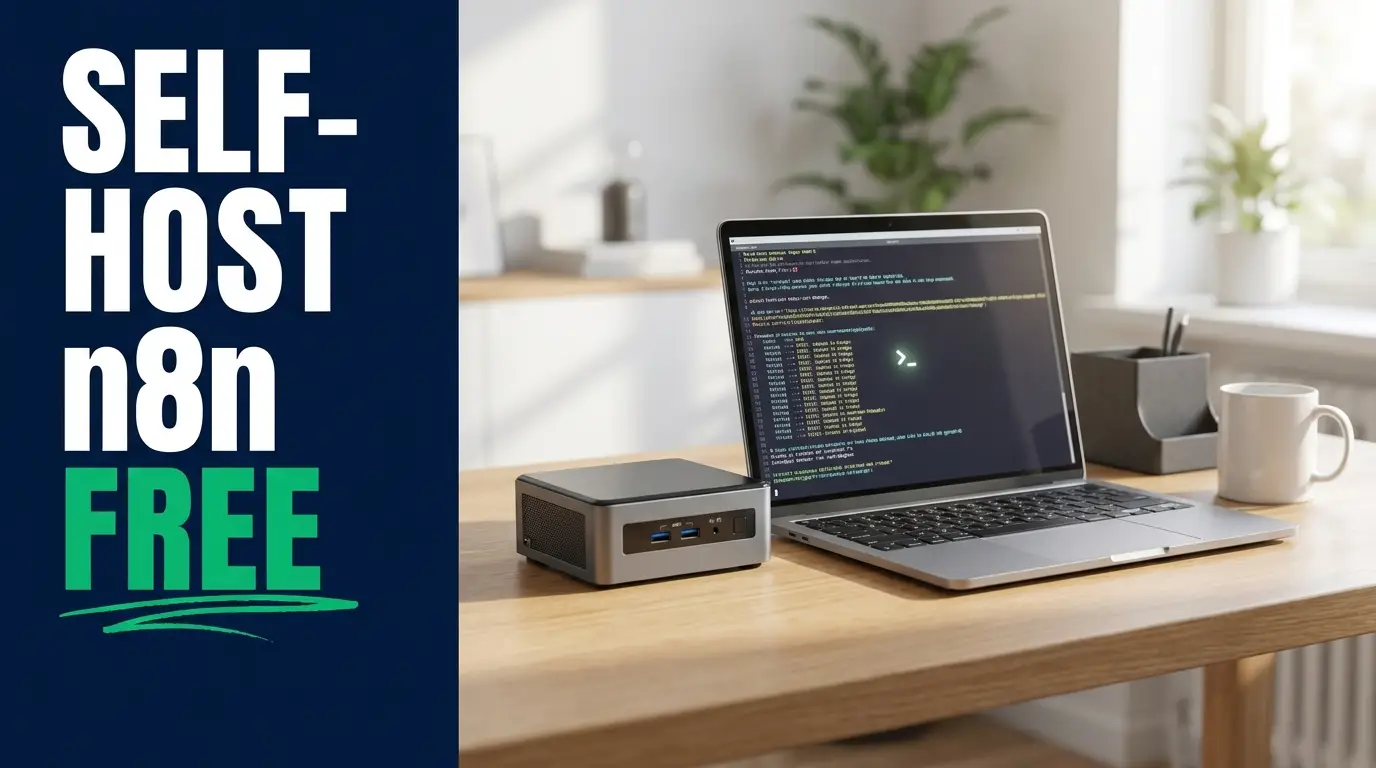
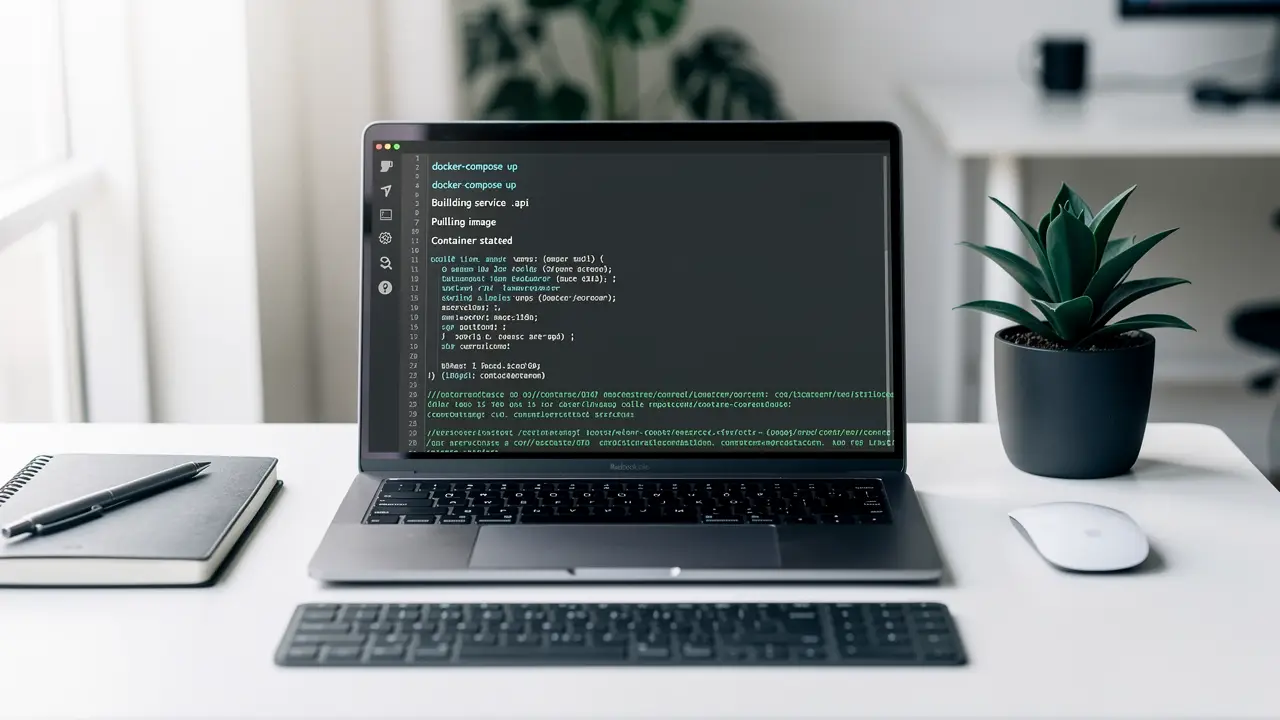
Docker on a machine you already have. This is where most people should start. n8n publishes an official Docker image, so you pull the image, map a port so you can reach the interface, mount a volume so your workflows survive a restart, and set a couple of environment variables. One command and you have a running instance that behaves like the real thing. If you have an old laptop or a spare mini PC lying around, it can live there quietly for months.
Docker Compose on a home server or NAS. Compose is Docker with the settings written down in a file instead of typed into the terminal each time. n8n runs better alongside a real database like PostgreSQL than on its default file store, and Compose lets you define n8n and its database as one tidy stack you bring up or tear down together. This is what I run at home, and what I would point a serious hobbyist toward.
A cloud VPS. When you want the automation reachable from anywhere and running whether or not your house has power, you rent a small virtual server. A basic box from DigitalOcean or Hetzner runs a few dollars a month and is plenty for most workloads. You install Docker, run the same Compose setup, point a domain at it, and put it behind HTTPS. Now it is a real service.
A managed platform like Railway. If the server administration part is exactly what you are trying to avoid, platforms like Railway or Render will host the n8n container for you from a template. You still self-host in the sense that it is your instance and your data, but the host handles the machine underneath. You pay more than a raw VPS and less than n8n Cloud. For a lot of people that is the sweet spot, and there is no shame in it.
What the setup actually looks like
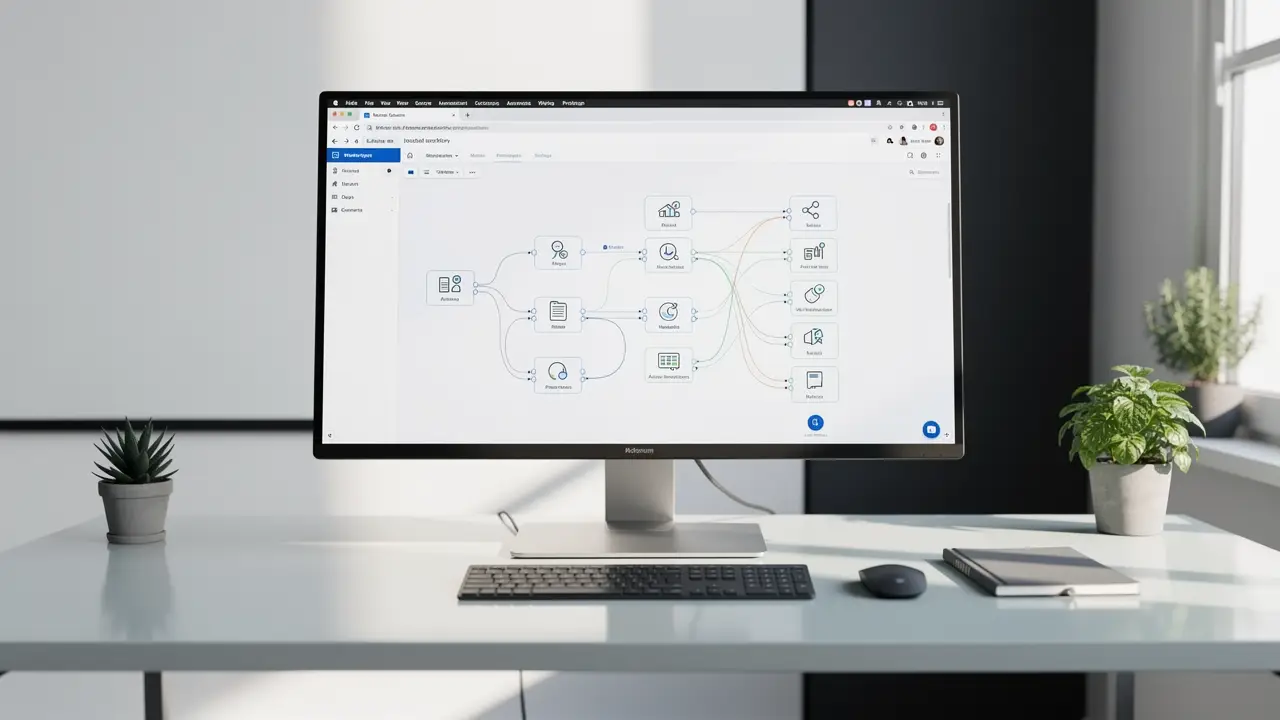
I am not going to hand you exact commands, and here is why. n8n's image tags, variable names, and recommended settings change often enough that a command I paste today could be subtly wrong by the time you read it. Internalize the shape of the job instead, so you know what "done" looks like, then follow n8n's official docs for the current exact steps.
Here is the shape.
One. Get Docker onto your server. On a fresh VPS this is a couple of commands and a few minutes. Most hosts even offer an image with Docker preinstalled.
Two. Pull the official n8n image and start a container. You are telling Docker three things: which image to run, which port on the server maps to n8n's interface, and which folder on disk holds n8n's data so it does not vanish when the container restarts. That last one, the volume, is the mistake beginners make. Skip it and your workflows evaporate on the first update.
Three. Set your environment variables. This is where you tell n8n its own public web address, turn on basic authentication so the internet cannot walk into your instance, and point it at a PostgreSQL database if you have gone the Compose route. A handful of key-value settings, nothing exotic.
Four. Put it behind HTTPS. Running n8n on a bare IP over plain HTTP is fine for ten minutes of testing and unacceptable for anything you care about, because your credentials would travel in the clear. In practice this means a reverse proxy (Caddy and Nginx Proxy Manager are both beginner-friendly) that fetches a free certificate and sits in front of n8n. Point your domain at the server, let the proxy handle the certificate, and you are on https:// with a padlock.
Five. Log in, create your owner account, and build something. From here the experience is identical to the hosted version, which is the whole point. Same editor, same nodes, running on metal you control.
That is it. Five moves. The friction is never any single step, it is that all five are new at once if you have never done server work before. Do it once and the second instance takes twenty minutes.
If you want a build to follow once you are up, my n8n tutorial walks through a first real workflow start to finish, and these n8n workflow templates give you something worth running on it.
The maintenance you are signing up for
This is the section the "self-host n8n for free" videos skip, so read it twice.
Free of license cost is not the same as free. When you self-host, you become the operations team, and the job does not end at setup. Here is what lands on your plate.
Updates. n8n ships new versions constantly. On Cloud they happen while you sleep. Self-hosted, you pull the new image and restart yourself, often enough to stay current on security fixes. Skip it for six months and you are running something with known holes in it.
Backups. Your workflows and credentials live in that database and that volume. If the disk dies and you have no backup, they are gone, and there is no support line to call. You need a backup running on a schedule and, more importantly, you need to have actually tried restoring from it once. A backup you have never tested is a rumor.
Security. The instant your instance is reachable from the internet, bots find it. Authentication has to be on and HTTPS has to be real. None of this is hard. All of it is on you.
Uptime. If the server falls over at 2am mid-workflow, nobody gets paged unless you set up the paging. For a hobby dashboard, who cares. For an automation a client is paying you to keep running, that silence is a problem you have to design around.
I do not list these to scare you off. I run self-hosted n8n and I would not go back. I list them because the real cost here is attention, not dollars, and you should walk in knowing that. The server is six bucks. The hour you spend on a Sunday when an update breaks a node is the actual price.
Self-host or Cloud: how to actually decide
Forget the tribal stuff. Here is the decision in plain terms.
Go with n8n Cloud if your time is the scarce resource and the monthly fee is noise in your budget. If you would rather spend your Saturday building automations than patching a server, if uptime matters and you do not want to own it, if the idea of a reverse proxy makes your eyes glaze, pay them. That is what the money buys, and it is a fair deal.
Go with self-hosting if you want control, you are cost-sensitive at scale, your data needs to stay on your own infrastructure, or, the one I care about most, you want to actually learn how this stuff works. Standing up a Dockerized service behind HTTPS on a VPS is a genuinely useful skill that carries into real backend and DevOps work. n8n is a friendly excuse to learn it.
There is a quiet middle path too. Start on Cloud or a managed host to learn the tool itself without the server headache, then migrate to your own box once you know your workflows are worth owning. Nobody is grading you for going the hard way first.
If you are still weighing tools before any of this, the n8n vs Zapier breakdown and my best AI automation tools roundup will help you confirm n8n is even the right home before you build one.
FAQ
Is n8n really free? Self-hosting n8n is free of any license fee. You download the code, run it on your own machine or a server you rent, and pay nothing to n8n. Your only cost is the hosting itself, which can be as little as a few dollars a month for a small VPS, plus your own time to run it. n8n Cloud, the hosted version they operate for you, is the paid product.
Is n8n open source? n8n is source-available under a fair-code license called the Sustainable Use License, not a classic open-source license like MIT. The code is public on GitHub and you are free to use, modify, and self-host it for your own projects and business. The one real restriction is that you cannot repackage n8n and sell it as a hosted service that competes with theirs. For nearly everyone, that limit never comes up.
What do I need to self-host n8n? A machine to run it on and a little comfort with the command line. At minimum that is any computer with Docker installed. For an automation you want reachable and always on, you want a small cloud VPS, a domain pointed at it, and HTTPS in front via a reverse proxy. You do not need to be a sysadmin, but you should be ready to own the updates and backups yourself. And yes, you can build on Cloud first and move workflows to your own box later. They export and import as files.
If you got this far, you already have the instinct that owning your own tools beats renting them. That instinct is worth developing, because the gap between someone who uses automation software and someone who can stand it up, secure it, and keep it running is just a few skills stacked on each other.
That is the kind of thing we teach at CodingPhase. The Docker, the Linux basics, the backend fundamentals under a project like this one, taught as paths that take you from "I followed a tutorial" to "I understand what I built." Go break something on a cheap server this weekend. Then come learn why it broke. You are closer to that than you think.