AI Agent Examples: 10 Real Use Cases People Actually Pay For

On this page
A guy in our community sent me a screenshot last spring. It was an n8n canvas with forty-one nodes on it, an OpenAI node in the middle, and a note that said "invoice agent v6." He wanted to know why it kept sending his client's bookkeeper the wrong totals.
The answer took me about ninety seconds to find. The agent was reading scanned PDFs, some of them faxed, and when the OCR came back mush the model just... made up a number that looked like a number. No confidence check. No human step. It had been quietly wrong for eleven days.
He fixed it in an afternoon. That client still pays him $1,200 a month.
The agents that make money are boring and narrow, and they have a human standing at the exit. Everything below is something I've either built, watched a student build, or debugged at 11pm because somebody deployed it on a Friday. If you want the foundations first, I wrote how to build an AI agent and a piece on what actually separates agents from agentic AI.
Agents that live in the inbox
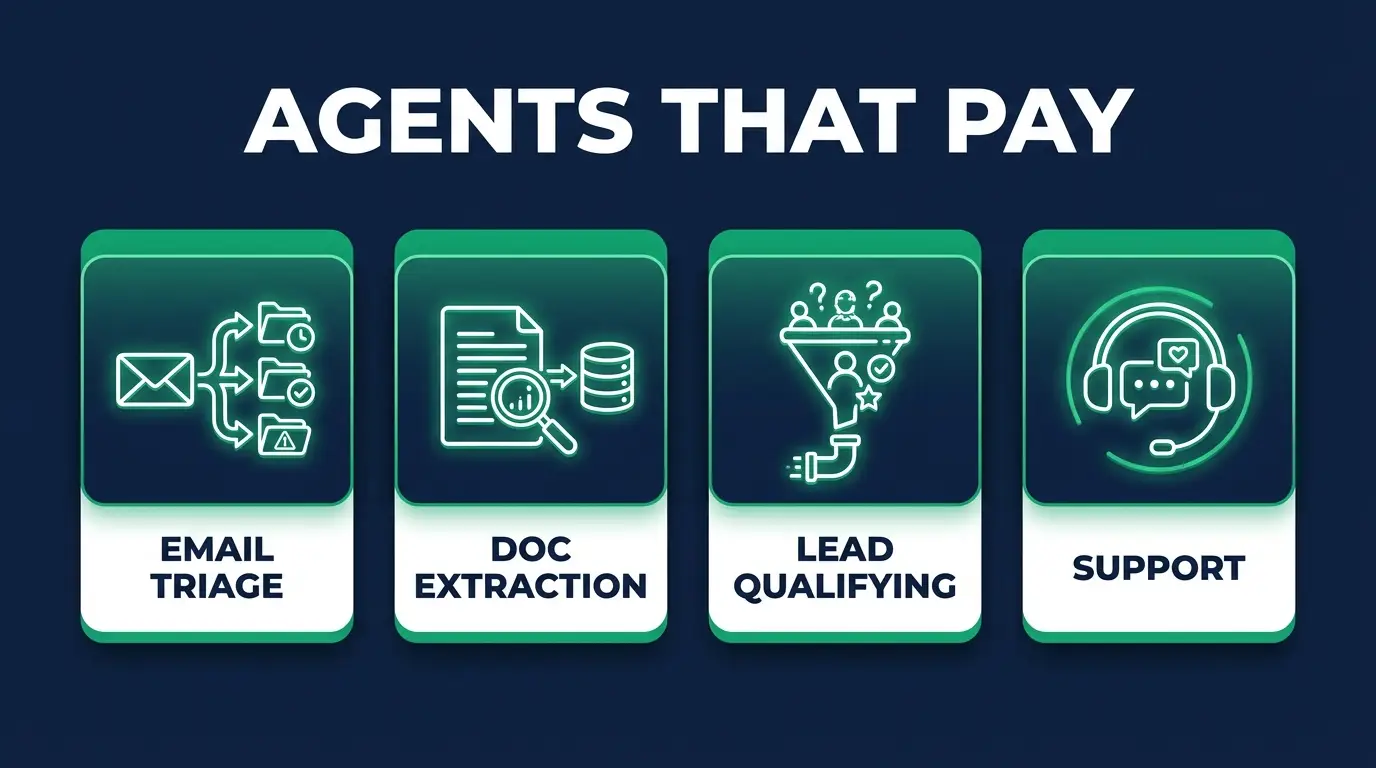
Most businesses are bleeding hours in a shared mailbox, so that's where most of the money is. The build everybody starts with is inbound email triage. A new message arrives, the agent classifies it (new lead, support, billing, vendor spam, or an actual human being who is upset), applies a label, routes it to the right person, and drafts a reply that sits in Drafts until somebody hits send. Your trigger is the Gmail node. Your tools are a classifier prompt, a label update, and a Slack message on anything urgent. The draft itself is the approval step, and it never sends on its own.
Everyone builds this and nobody tests it properly, so here's where it goes wrong. The model is confidently bad at anger. A message that says "Hi, following up on the invoice from March, just checking in!" from a customer who has followed up four times reads as routine to a classifier that only sees one email. It gets labeled low priority. It sits there, and the fifth email is a chargeback.
The fix is dumb and it works. Feed the agent the last three messages from that sender's thread history and count them. Anything with three or more inbound messages and no reply from your side skips classification entirely and goes straight to a human. You lose nothing and you catch the churn.
Small agencies pay $500 to $900 a month for this on a busy mailbox. Law offices and contractors pay more, because one missed lead costs them enormously.
Support ticket deflection is the same shape with a different exit. A ticket arrives, the agent searches your help docs (a vector store, or honestly just a well-structured Notion database, you don't always need embeddings), and it either answers or escalates. One rule matters more than the rest: it has to be allowed to say "I don't know" and hand off. An agent that can't escalate will invent a refund policy.
Budget for the deflection rate being lower than the demo. You'll hear people claim 60 percent. In real deployments with real messy docs I've seen 25 to 35 percent, and that's still a win.
Agents that read things so nobody has to
Document and invoice extraction is the one from the intro. A PDF lands in a Drive folder or comes in as an email attachment. The agent pulls vendor, date, line items, total, and PO number, then writes a row to a sheet or straight into QuickBooks. Anything above a dollar threshold, or anything where a required field came back empty, gets flagged into a review queue instead of posting.
Now the hard part. Vision models do not know when they can't read something. Hand one a crooked scan of a fax of a photocopy and it will return a beautifully formatted JSON object with a total of $4,280.00 that appears nowhere on the document. No error, no exception thrown. You get a lie in the correct schema.
So I put two guardrails on every extraction build now. Ask the model for a confidence score per field and route anything under your bar to a person. Then run a cheap deterministic check after the model: do the line items sum to the stated total? If they don't, a human looks at it. That one arithmetic check caught more bad extractions for me than every prompt tweak I ever tried, combined.
Accounting firms and property managers pay $800 to $2,000 a month here. Volume is high, the work is miserable, and they already do the review step anyway.
Meeting notes into action items is the cheap one. A transcript comes in from Fireflies or whatever they use, the agent pulls out decisions and owners, and it creates tasks in Asana or Linear with assignees and due dates. About a two-day job. Keep it as a digest that a person confirms, at least at first, because an agent that silently creates fourteen tasks nobody agreed to is worse than no agent.
Agents that feed the sales machine
Lead qualification is the easiest thing to sell, because the buyer already believes in it. A form submission fires the webhook, the agent looks up the company (Clearbit, Apollo, or just scraping the site's about page), scores it against your ICP, writes two sentences on what this company actually does, and creates the CRM record already tagged. Sales reps stop opening tabs. That's the pitch, and it lands every time.
The approval gate is soft on this one. Most teams let it write to the CRM directly, and I'd keep a rule that it can create records but never delete or overwrite one that already exists.
A research agent is the next easiest sell. You give it a company name or a topic, it searches, opens the top handful of sources, and comes back with a briefed summary and the links. Sales teams run it before calls. Content teams run it before writing. I use one before every consulting call and it saves me forty minutes.
Watch your loop limits here, because this is the classic runaway cost agent. Somebody gives it a broad topic, it decides it needs more sources, searches again, opens more pages, summarizes the summaries, and by the time you notice you've burned $60 on one question because nothing ever capped the iterations. n8n's AI Agent node has a max iterations field. People leave it at the default and then get surprised.
Competitor and price monitoring is mostly plumbing: a scheduled crawl of a list of URLs, a diff against what you stored yesterday, and if something moved, a summary lands in Slack with the before and after. E-commerce clients love it. A small model writes the digest at the end, which keeps it cheap to run and very easy to demo on a sales call.

Agents that clean up messes
CRM deduplication runs as a weekly job. It finds likely duplicate contacts by fuzzy match on email domain and name, has the model decide which record is the survivor and why, and outputs a merge proposal as a spreadsheet. A human clicks approve.
Never let this one write directly. I mean it. A merge is destructive, and a model that's 96 percent right across ten thousand records has just quietly destroyed four hundred contacts.
Onboarding provisioning: a new customer signs, and the agent creates the accounts, sends the welcome sequence matched to their plan, and posts a summary in the team channel. Half of this isn't AI at all. It's straight automation with a small model picking the sequence, which is fine, because the client doesn't care what's a model and what's an if-node.
Content repurposing takes a long piece in and drafts the newsletter version, the LinkedIn version, the short-form hooks. Everything lands in a review folder as a draft. Nothing publishes itself, ever, no matter how good it gets, because one hallucinated statistic under a client's name costs more than the whole retainer.
The last one is for you, not a client. It's a repo-aware coding agent that writes the boring migration, the test scaffold, the CRUD endpoint. It runs behind a PR, so review is already built into the process. It won't architect anything, but it removes the typing.
The ones that sound great and aren't
Fully autonomous outbound. The demo where an agent finds prospects, writes personalized cold emails, and sends them with nobody in the loop. It sends, and it sends a lot, and then your domain reputation is gone and you're explaining to a client why their sales email lands in spam now. The personalization is usually worse than a decent template anyway, because the model latches onto whatever it found on the homepage and every email opens with "I saw you're passionate about customer success."
Anything where the agent has delete permissions is the other one. Inbox cleanup, database pruning, file archiving. The upside is small and there's no limit on how bad the downside gets.
"Agent replaces our whole support team." No. It handles a third of tier one. Sell that honestly and you keep the client.
And the one nobody warns you about: an agent on a process that runs four times a month. The build costs the same, the maintenance costs the same, and there's no volume to justify either. I've built these. The client is happy for six weeks and then can't remember why they're paying you.
What makes an agent worth building
Three conditions have to hold at once, and checking only one is how you end up with something nobody renews.
The process has to be expensive in hours or salary. It has to be repetitive enough that volume justifies the build, meaning daily or many times a week, not monthly. And it has to tolerate a review step. If nobody can sanity-check the output before it matters, what you've built is an unmonitored liability with a nice canvas view.
An agent should make a slow process fast, never make a bad process cheap to run at scale.
Run any idea through those three before you open n8n. Most ideas fail on the second one, and that's the filter that saves you the most time.
If you want more of the plumbing side, these n8n workflow examples cover the non-agent automations that usually sit underneath, and my rundown of the best AI agents covers what's worth using off the shelf before you build anything.

FAQ
What is an example of an AI agent?
An inbound email triage agent is the cleanest one. It watches a shared inbox, classifies each message, routes it, and writes a draft reply that a person approves before it sends. It has a trigger, it uses tools, it makes a decision, and a human owns the final action.
What are AI agents used for in business?
Mostly the work that's high volume and low judgment: sorting inbound messages, pulling data out of documents, enriching leads before they reach a rep, summarizing meetings into tasks, and watching competitor pages for changes. The pattern is always a process somebody is currently doing by hand for hours a week.
Can I build an AI agent without coding?
Mostly, yes. n8n's AI Agent node handles the loop, the tool calling, and the memory, and you wire the rest visually. You'll still want to be comfortable with JSON, webhooks, and reading an API doc, otherwise you'll hit a wall the first time a response comes back shaped differently than you expected.
How much do businesses pay for AI agents?
Retainers I see most often run $500 to $2,000 a month per agent, depending on volume and how much the failure mode costs. Document extraction for a firm processing hundreds of invoices sits at the top. A meeting-notes agent for a ten-person team sits at the bottom.
Which AI agent use case should I build first?
Whichever one your first client already does manually and complains about. Pick by whose hours it gives back, not by how interesting it is, because the person who gets those hours back is the person who'll defend the invoice.
Every example up there is billable work. That's the part people miss when they're watching agent demos on YouTube: somebody is quietly getting paid a retainer to run the boring version of that.
If you want to learn to build them and, more importantly, sell them, that's what the AI automations career path at CodingPhase is for. It's inside Diamond at $42 a month or $255 a year, with a 7-day money-back guarantee, and the Tech Accelerator is $1,500 one time if you'd rather own it and get the live weekly mentorship.
And if the business side is the part you're stuck on, read how to start an AI automation agency and the case for staying a one-person agency. You don't need a team. You need one process that hurts and one client who'll pay you to fix it.
Go build the ugly one first. It pays better.