Shopify Developer Portfolio Examples That Actually Get You Hired

On this page
The first thing a store owner asks when they're thinking about hiring you is some version of: "What have you built that I can go look at right now?" Not what courses you finished. Not what your certificate says. A real Shopify store they can click into, add something to the cart, and poke around.
And that's the moment a lot of new Shopify devs freeze. Because the honest answer is a Udemy completion screen, a Liquid badge, and a GitHub repo full of practice files nobody's going to shop on.
Now imagine you could answer that question differently. "Here, open these." Three links. A skincare brand with a working cart. A one-product landing page that loads fast. A theme section the merchant can configure straight from the editor. The owner clicks around for a minute and stops worrying about whether you can actually do the work.
Same skills as the first person, probably. Same number of paying clients, which for both of you is zero. But one of those answers turns into a paid project and the other gets left on read.
Here's what most people get wrong: they think the second portfolio requires real clients. It doesn't. Shopify is one of the only stacks where you can build like you've already been hired, today, for free, without anyone's permission. That's the whole game, and it's the part nobody tells you is allowed.
Why a portfolio beats a resume for Shopify work
A resume tells a hiring manager you say you can theme. A portfolio shows them a store you actually built, Liquid you actually wrote, a load time you actually cut.
For most dev jobs, a resume does fine. Shopify is different because the work is so visible. Theme customization, custom sections, app integrations, conversion tweaks, all of it produces something you can click on. So when you skip the portfolio, you're throwing away your strongest card.
Clients especially don't read resumes. They open the link, look for thirty seconds, and decide whether you "get" e-commerce. If your link is a GitHub repo full of practice exercises, they bounce. If it's a clean demo store that looks like a real brand, they message you.
I go deeper on the whole career in how to become a Shopify developer, but the portfolio is the part that converts curiosity into an interview.
What a strong Shopify portfolio actually includes
You don't need ten projects. You need three or four that each prove a different skill. Here's what good ones contain.
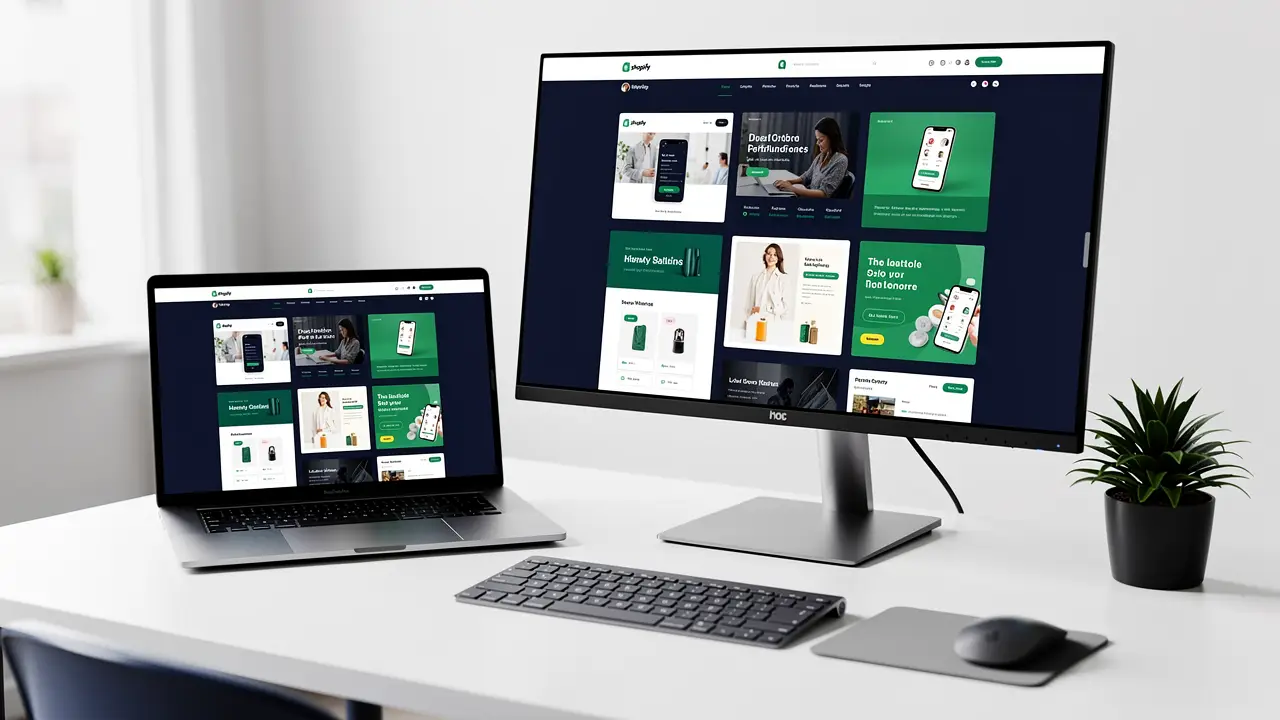
A live demo store. Not a screenshot. A real, browsable store on a dev store URL with products, collections, and a working cart. This is the single most important piece. It says "I can build the thing customers actually use."
A custom theme or a custom section you built. Show that you can go past dragging blocks around. Either a theme you styled into a real brand, or a Liquid section a merchant could drop into their store and configure from the editor.
A custom Liquid feature. One genuinely useful thing you coded by hand. A size-based price display, a "frequently bought together" block, a dynamic shipping bar. Small is fine. Coded yourself is the point.
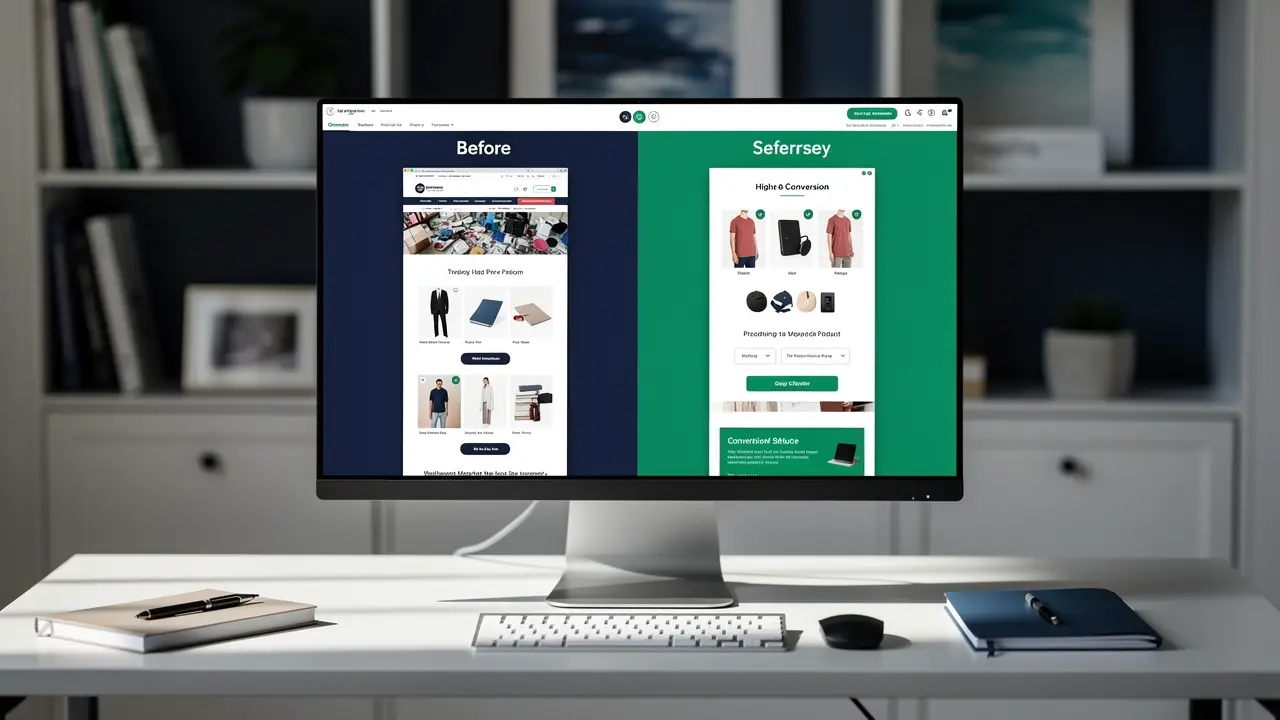
A before/after case study. Speed or conversion. Take a slow store, show the Lighthouse score before, the changes you made, the score after. Numbers do more for your credibility than any adjective you could write about yourself.
A simple app or app integration. This is the senior signal. Even a tiny embedded app, or a clean integration with Klaviyo or a reviews app, tells people you understand Shopify as a platform, not just a theme.
You won't have all five on day one. Two solid pieces beat five rushed ones.

Four projects you can build this week
Here's where the "I have no clients" excuse dies. Every one of these is buildable on a free dev store, by yourself, starting tonight.
1. Build a niche demo store. Pick a real niche with personality. Specialty coffee, climbing gear, handmade candles. Add eight to twelve products with real-looking photos and copy. Set up collections, a navigation menu, a working checkout flow. Give it a brand name and a logo. When someone opens this, it reads as a real store, and that's the impression you want.
2. Customize Dawn into a branded theme. Dawn is Shopify's free reference theme, and it's a perfect canvas. Start from it, then change the type, color, spacing, and layout until nobody would recognize it as Dawn. Document what you changed and why. This proves you can take a base theme and make it feel custom, which is most of the real job.
3. Build a custom product section in Liquid. Pick one feature and code it from scratch as a section with schema settings, so a merchant could add it and configure it in the theme editor. A bundle block, a countdown for a sale, a trust-badge row. Put the code on GitHub with a short README and link it from the live store so people can see it running.
4. Do a speed or CRO teardown of a real store. Find a slow Shopify store. Run it through Lighthouse and PageSpeed. Write up what's hurting it, oversized images, render-blocking apps, no lazy loading, and how you'd fix each one. You don't need access to their store to show you know what's wrong. This is the case study that makes you look senior.
Do those four and you've got a portfolio that beats most people who've actually been paid.
How to present it so they get it in 5 seconds
Build the projects, then make them legible. A hiring manager gives you about five seconds before deciding to keep reading.
Lead with the live link. The big button at the top is "View Live Store," not "Read About Me." Let them click into the work immediately.
One line of context per project. What it is, what you built, the result. "Branded coffee store built on a customized Dawn theme. Custom bundle section in Liquid. Lighthouse performance: 94." That's it.
Show the result, not the journey. Nobody cares that it took you three weekends. They care that the cart works and the page loads fast.
Make it work on a phone. Most people will open your portfolio on their phone, and most shoppers buy on theirs. A portfolio that breaks on mobile quietly tells them you don't think about mobile.
The reframe to keep: your portfolio's job is to make someone believe you can ship, not to prove how hard you worked.
Common mistakes that sink a portfolio
I see the same ones over and over.
Listing skills instead of showing them. A wall of logos, Liquid, JavaScript, CSS, Shopify CLI, proves nothing. One working store proves all of them.
Dead or broken links. A demo store URL that 404s is worse than no link at all. Check every link the day you apply.
Tutorial clones with no changes. If your project is the exact build from a YouTube video, reviewers have seen it fifty times. Change the niche, add a feature, make it yours.
No live preview. A folder of screenshots makes people wonder what you're hiding. If it's real, let them click it.
Over-designing the portfolio site itself. Your portfolio is the frame, not the painting. Keep it clean and get them into the work fast.
The right Shopify developer tools make most of this faster, especially the CLI and Theme Inspector for the speed work.
FAQ
Do I need real clients to build a Shopify developer portfolio? No. Self-initiated demo stores and teardowns are completely standard, and most strong portfolios start there. Build convincing projects on a free dev store and present them as the work they are.
How many projects should a Shopify portfolio have? Three to four that each prove something different. A live demo store, a customized theme, a custom Liquid feature, and a speed or CRO case study cover the main skills hiring managers look for.
Can I use a free Shopify development store for my portfolio? Yes. Dev stores are made for exactly this. You can build, theme, and test freely, then link the store from your portfolio so people can browse it live.
What's the most impressive single piece to include? A before/after speed or conversion case study with real numbers. It shows you understand that a store exists to sell, not just to look nice, which is what clients actually pay for.
Where do Shopify developer jobs actually come from? A mix of agencies, the Shopify Partner network, and direct merchant work. I break down the options in remote Shopify developer jobs.
If you've been waiting for permission to start, this is it. Open a dev store tonight, build the coffee shop, customize Dawn, ship one Liquid section, and tear down a slow store. That's a real portfolio by next week.
And if you want a path that takes you from "I know some HTML" to confidently building all of this, the ecommerce specialist career path at codingphase is built to get you there, project by project. You don't have to figure it out alone. Go build the first one, and come show me.