The Best Shopify Developer Tools (And What You Actually Need First)
On this page
Most "best Shopify developer tools" lists are noise. They hand you thirty apps, slap "must-have" on every one, and quietly send you off to install your way to confidence. It doesn't work. I've watched it not work for years.
The truth nobody selling you a tool wants to admit: you need a tiny core stack, not a toolbox the size of a hardware store. Four pieces. That's the whole thing for your first months on Shopify. Everything past that is either a nice-to-have or a distraction wearing a productivity costume.
I'll go further. The bloated tool list is actively hurting beginners. Every extra app is one more thing to configure, one more tutorial that goes stale, one more reason to fiddle instead of ship. The most stuck people I meet aren't short on tools. They're drowning in them and haven't built a single real thing.
So here's my line in the sand: the tool is leverage, the Liquid and commerce skill is the real value. A great editor won't write good Liquid for you. The CLI won't understand a client's checkout problem. Tools make a skilled person faster. They make an unskilled person faster at being lost.
Let me show you the four that earn their place, and how I picked them.
How I judged these tools
I'm not ranking by popularity or what's trending on dev Twitter. Four things only:
- Does it teach you while you use it, or does it hide the thing you need to learn?
- Is it free or close to it? You shouldn't pay to learn Shopify.
- Is it the official path, or a third-party shortcut that breaks when Shopify changes?
- Will a real employer or client expect you to know it?
That last one matters more than people admit. You can love a niche tool, but if no Shopify agency uses it, it's a hobby, not a skill.
Shopify CLI
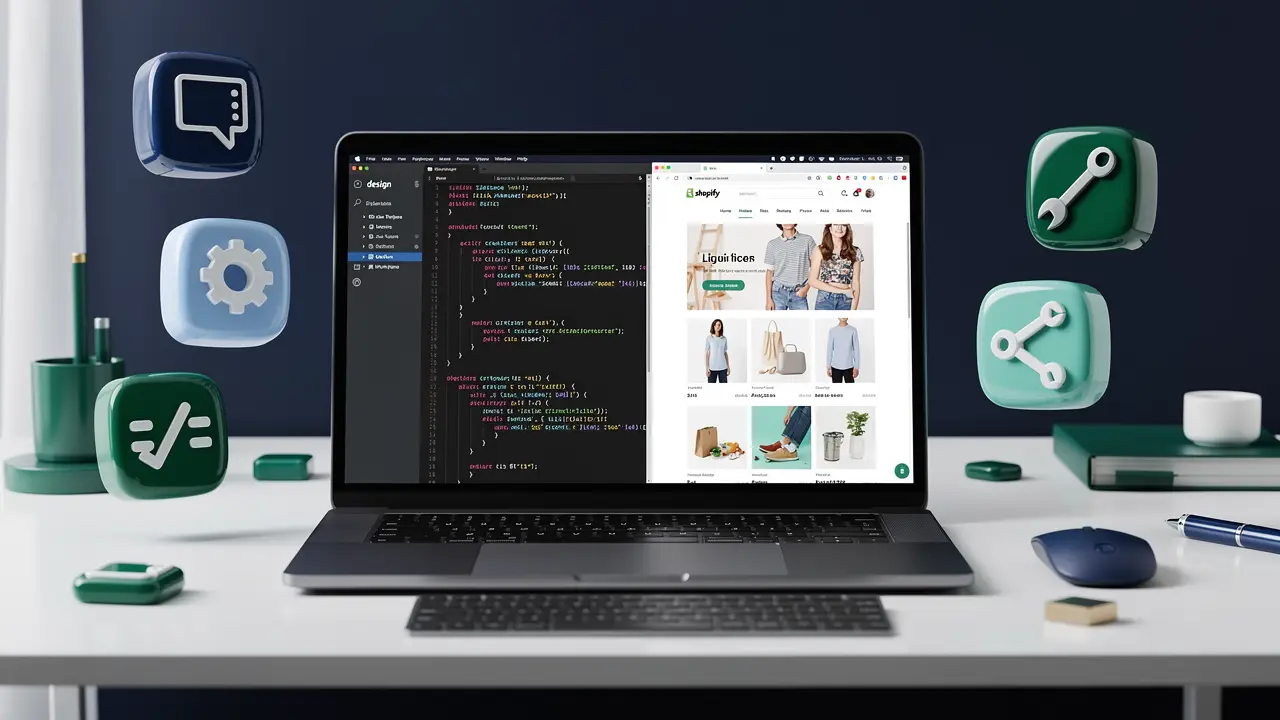
The command-line tool Shopify maintains for scaffolding themes and apps, running a local dev server, and pushing changes. This is the spine of modern Shopify work.
Why I'd start here. You run shopify theme dev and you get a live local preview that hot-reloads as you edit. You pull a real theme down, break it safely, push it back. It's the closest thing to a real workflow you can practice alone.
The honest downside. It's a terminal tool. If you've never touched a command line, the first day feels like a wall. There's also occasional version churn, commands and flags shift between major releases, so old tutorials sometimes lie to you.
Who it suits. Everyone, eventually. Beginners should learn the three commands that matter (theme dev, theme pull, theme push) and ignore the rest until they need them.
Dawn + Online Store 2.0
Dawn is Shopify's free reference theme, and Online Store 2.0 is the architecture it's built on, JSON templates, sections everywhere, app blocks. If you want to see how Shopify thinks a theme should be built, you read Dawn.
Why it's the best teacher you'll get for free. Every pattern you'll be asked to replicate at a job is already in Dawn, written by the people who designed the platform. I learned more reading Dawn's section files than from any paid course module.
The honest downside. Dawn is intentionally minimal. It's a learning skeleton, not a flashy demo, so beginners sometimes find it underwhelming and go chase a heavy premium theme instead. Don't. Heavy themes hide the fundamentals under a thousand settings.
Who it suits. Anyone learning Liquid and theme structure. Start every practice project as a copy of Dawn.
Theme Check and Liquid linting
Theme Check is Shopify's linter for Liquid and theme files. It flags broken syntax, deprecated tags, performance smells, and accessibility misses before you ship them.
Why it earns its place. It's a quiet mentor. It tells you why something is wrong, not just that it is, so your bad habits get corrected while they're still cheap to fix.
The honest downside. It can be noisy on older or inherited themes, throwing dozens of warnings that aren't your fault. Beginners sometimes panic at the wall of yellow. Learn to read severity levels and the noise stops mattering.
Who it suits. Everyone, from day one. It runs inside the editor extension below, so you barely have to think about it.
VS Code + the Shopify Liquid extension
Your editor is where you actually live. I use VS Code with Shopify's official Liquid extension, which bundles syntax highlighting, autocomplete for Liquid objects, and Theme Check baked right in.
Why this combo. It's free, it's what most agencies use, and the autocomplete on Liquid objects (product., cart., collection.) genuinely teaches you the object model as you type. You discover what's available instead of memorizing docs.
The honest downside. VS Code can get heavy if you pile on extensions. And autocomplete is a crutch if you lean on it without ever reading the Liquid reference. You'll know that product.featured_image exists without knowing why you'd reach for it.
Who it suits. Basically everyone. If you already know VS Code from web dev, you're home. New to Shopify development entirely? Start with my guide to becoming a Shopify developer before you worry about extensions.
The GraphQL Admin API and REST
When you go past themes into apps and automation, you talk to Shopify's data through its APIs. GraphQL is the modern, preferred one; REST is the older path that still shows up in legacy code.
Why GraphQL first. You ask for exactly the fields you want and get exactly those back. No over-fetching, fewer round trips. Shopify is steadily making GraphQL the primary surface, so learning it now is a bet that ages well.
The honest downside. GraphQL has a real learning curve if you've only ever hit REST endpoints. Queries, mutations, pagination with cursors. It takes a minute to click. And REST isn't dead yet, so you can't fully ignore it on real codebases.
Who it suits. Not beginners. Get comfortable with themes and Liquid before you touch the Admin API. When you're ready for app work, lead with GraphQL.
Remix app framework + Polaris
For building real Shopify apps, Shopify's app template is built on Remix, and Polaris is the React component library that makes your app look and feel like it belongs inside the admin.
Why they go together. Remix handles the full-stack plumbing (auth, sessions, server rendering) so you focus on what your app does. Polaris gives you buttons, cards, and layouts that match Shopify's UI for free, so merchants trust your app instantly.
The honest downside. This is the deep end. You need solid React and real backend comfort before app dev makes sense. Polaris is also opinionated, fight its conventions and you'll have a bad time.
Who it suits. Developers moving from themes into apps, or web devs with React already in hand. Skip entirely while you're learning theme fundamentals.
Development stores
Shopify lets partners spin up free development stores, full, working stores you can fill with test products and break without consequences. This is your sandbox.
Why you need one immediately. You can't really learn Shopify on a slide. You learn it by installing your theme on a store, adding fake products, and seeing what falls apart. Dev stores are free and unlimited for partners.
The honest downside. They have a few limits (you can't fully process real orders), and test data never quite behaves like a busy real store with thousands of variants. Good enough for learning, not a replacement for seeing production traffic.
Who it suits. Every single person reading this. Make a Partner account, make a dev store, today.
Lighthouse and PageSpeed Insights
Shopify stores live or die on speed. Lighthouse (built into Chrome DevTools) and PageSpeed Insights measure load time, layout shift, and Core Web Vitals, then tell you what's dragging.
Why it's non-negotiable for client work. "Make my store faster" is one of the most common paid requests you'll get. These tools turn a vague complaint into a specific to-do list, defer this script, lazy-load that image, kill this app you're not using.
The honest downside. The score is a guide, not gospel. People obsess over hitting 100 and waste hours chasing the last few points that no shopper will ever feel. Fix the real bottlenecks and move on.
Who it suits. Anyone doing client or job work. Beginners can wait until they've built something worth measuring.
A Git workflow and theme version control
Git plus a habit of committing your theme changes. Shopify even has GitHub integration that syncs a branch to a theme.
Why it separates pros from hobbyists. The first time you break a live store and can roll back in ten seconds, you'll understand. Version control is the difference between "I think I changed something" and knowing exactly what changed, when, and why.
The honest downside. Git has its own learning curve, and the Shopify-GitHub sync can get confusing when the theme editor and your local files disagree about who's the source of truth. Pick one source of truth and stick to it.
Who it suits. Everyone, but learn basic Git on its own first. Don't try to learn Git and Shopify in the same afternoon.
Starter stack: what you actually need day one
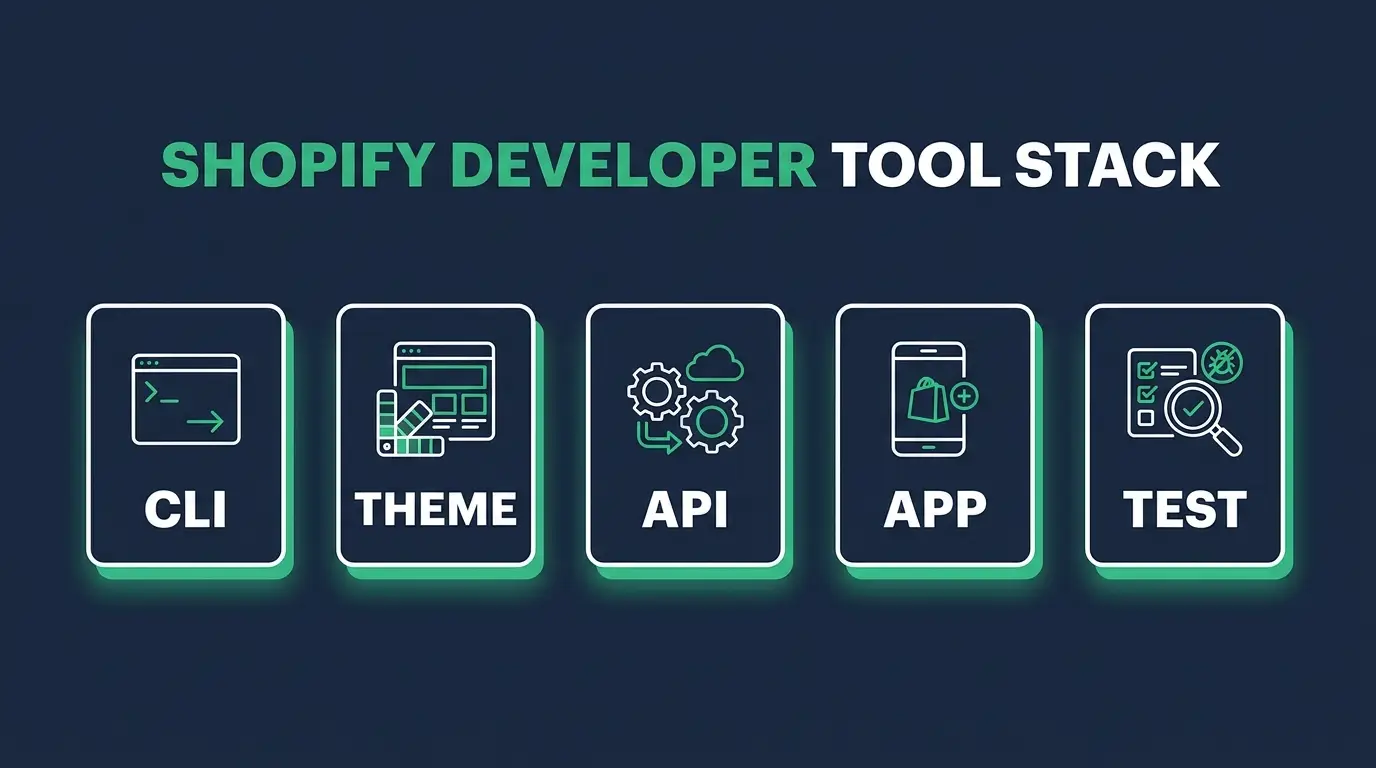
Forget the eleven tabs. Here's the whole list for your first month:
- Shopify CLI: your dev server and deploy path.
- A copy of Dawn: your textbook and your starting point for every project.
- VS Code + the Shopify Liquid extension (Theme Check comes with it), where you write and where you get corrected.
- A free development store: where you actually see it work.
That's it. The APIs, Remix, Polaris, Lighthouse, and a Git workflow all come later, in roughly that order, as the work demands them. Add a tool the day you hit the problem it solves, not before. The student with eleven tabs wasn't behind on tools. He was behind on shipping, and tools were how he hid from it.
FAQ
What tools do I need to start Shopify development? Four: Shopify CLI, a copy of the Dawn theme, VS Code with the Shopify Liquid extension, and a free development store. Everything else can wait until a real task requires it.
Do I need to know how to code to use Shopify developer tools? For themes, you need HTML, CSS, and Liquid. For apps, you need JavaScript or React and backend basics. The tools speed you up, but they don't replace the underlying skill. Start with how to become a Shopify developer for the full roadmap.
Is Shopify CLI free? Yes. The CLI, Dawn, Theme Check, the Liquid extension, and partner development stores are all free. You can learn the entire theme side of Shopify without spending a dollar.
Should I learn the GraphQL Admin API or REST first? GraphQL. Shopify is making it the primary API, and you fetch exactly the data you need. Learn REST only when you hit legacy code that uses it. Neither matters until you've got themes and Liquid down.
How do I show these skills to employers? Build real projects with this stack and put them somewhere people can see them. A few polished, deployed builds beat a long tool list every time. Here are Shopify developer portfolio examples to model yours on.
If your screen looks like that student's right now, close nine of those tabs. Install the four-piece stack, copy Dawn, and build one small thing all the way to done. The skill you build doing that is the asset. The tools are just how you get there faster.
When you're ready to go from "I installed the tools" to "I can get hired with this," that's exactly what we walk you through on the ecommerce specialist career path. Come build something real with us. I'd love to see what you ship.