n8n MCP Servers: What They Are and How to Use Them
On this page
The first time it clicked for me, I wasn't reading a spec. I was watching an AI agent check a customer's order status, pull the shipping info, and draft a reply, all on its own, because I had handed it one of my n8n workflows and said "here, you can use this."
It didn't describe how it would do that. It did it.
That gap is the whole story. For a couple of years now, chatbots have been great at talking about your work and useless at touching it. You'd ask, and it would explain what it would do if only it could reach your tools. MCP is the piece that lets it reach.
If you already run automations, this is the thing that turns them from something you trigger into something an AI can trigger for you.
What MCP is, in plain English
MCP stands for Model Context Protocol. It's an open standard for connecting AI models to outside tools and data in a way they can actually use.
Think of it like a USB port for AI. Before USB, every device needed its own weird cable. After USB, anything with the right port just plugs in. MCP is trying to be that port for AI agents: one common way for a model to discover what tools exist, learn how to call them, and get results back.
The word "context" is the key. A language model on its own only knows what it was trained on plus whatever you paste into the chat. It can't see your database, your calendar, or your automation platform. MCP is how you give it a live window into those things, and a set of levers it can pull, without you writing a fresh custom integration for every single one.
Two roles matter here, and you'll see them everywhere:
- An MCP server exposes tools. It's the thing that says "here are the actions I can perform, and here's how to call each one."
- An MCP client is the AI side that connects to servers, reads the menu of available tools, and decides when to use them.
That's genuinely most of it. A server offers capabilities. A client consumes them. The protocol is just the shared language they speak so a model built by one company can use a tool built by someone else.
I should be honest about one thing up front. This is new and it's moving fast. MCP landed in late 2024 and the ecosystem is still forming, so exact node names and menu options in n8n may look a little different by the time you read this. The shape holds even when the buttons move. Focus on the shape.
Why this matters if you automate anything
Here's the shift, and it's bigger than it sounds.
For years, automation meant you pulling the trigger. You clicked a button, filled a form, hit send on a Slack message, and a workflow fired. The intelligence lived in your head. The workflow just executed steps in order.
Now the model can be the one deciding. You give an agent a goal, "handle this support ticket," and it figures out which of your tools to reach for, in what order, adapting as it goes. Your n8n workflow stops being a fixed script someone has to kick off. It becomes a tool in an AI's belt.
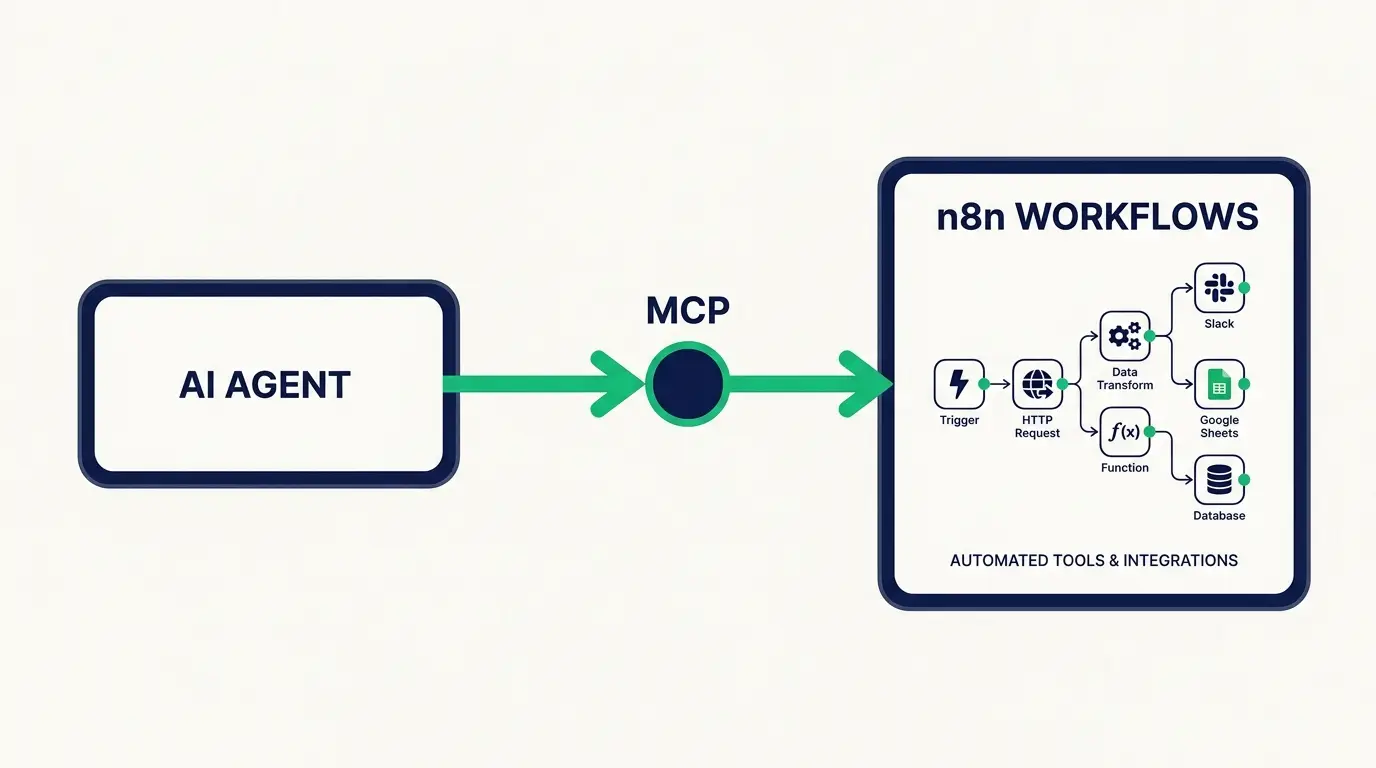
Picture the difference. Old way: a customer emails, you read it, you decide it's a refund question, you open the refund workflow, you run it. New way: the agent reads the email, recognizes it's a refund, and calls your refund workflow itself because you exposed that workflow as a tool it's allowed to use.
That's the reframe I want you to keep. MCP doesn't make your automations smarter, it makes them reachable, and reachable by something that can now do the deciding you used to do.
If you're brand new to the platform, it's worth understanding what n8n is before going further, because the MCP magic only makes sense once you get how workflows and nodes fit together.
n8n as an MCP server vs an MCP client
n8n plays both roles, and this trips people up, so let's slow down.
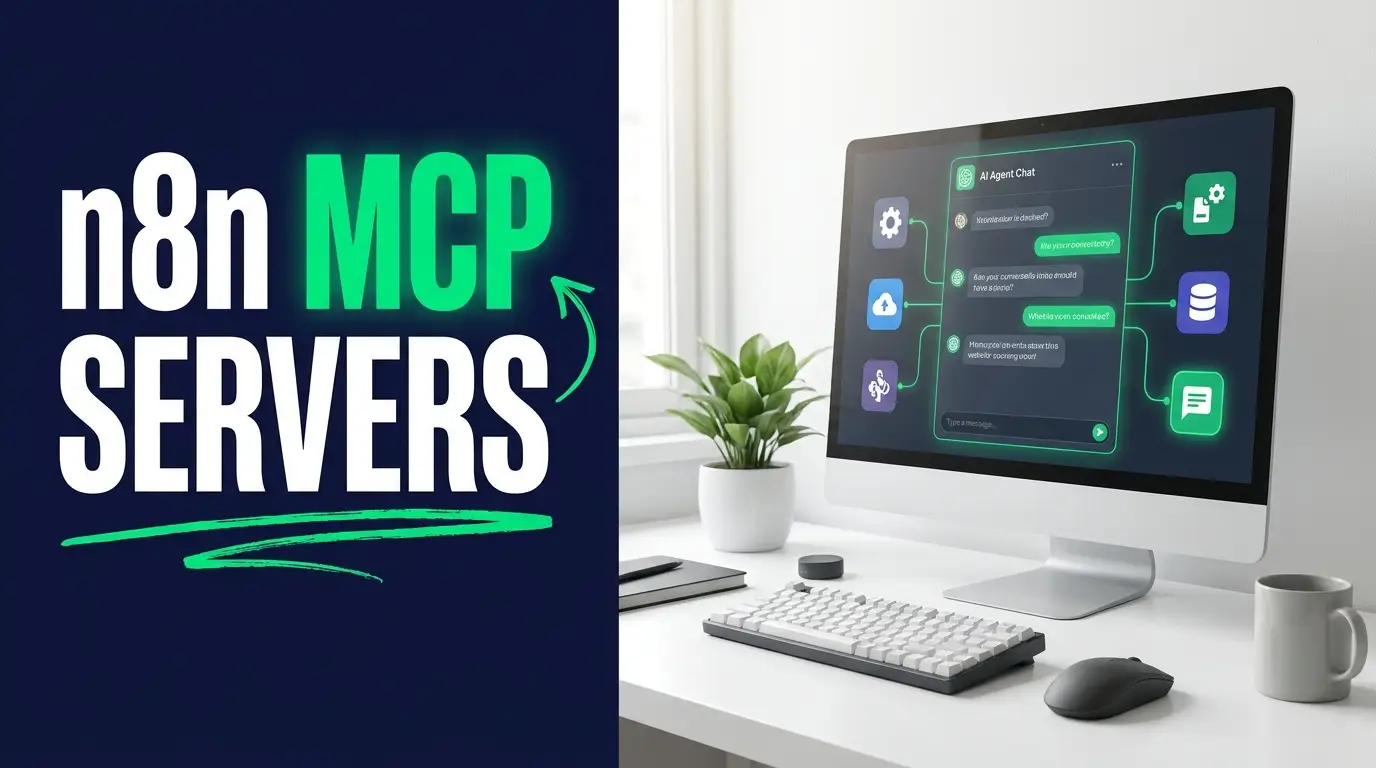
n8n as an MCP server. This is the direction most people mean when they say "n8n MCP server." You build a workflow, then you expose it so an outside AI agent can call it as a tool. n8n added a trigger for exactly this: a workflow can sit and wait for an MCP client to reach out, and when the agent calls it, the workflow runs and hands results back. So your carefully built "look up this customer and summarize their history" workflow becomes a tool that Claude, or a custom agent, or any MCP-aware app can pick up and use.
n8n as an MCP client. This is the reverse. Inside an n8n workflow, you build an AI agent, and that agent connects out to other people's MCP servers to borrow their tools. So your agent could reach a filesystem server, a database server, a web-search server, and use all of those to get a job done, without you wiring up each integration by hand. n8n has a client node for connecting to external MCP servers this way.
The mental model I use: as a server, n8n is the one being used by an AI. As a client, n8n is the one doing the using. Same platform, opposite ends of the handshake.
You don't have to pick one forever. A single build often does both. Your n8n agent (client) might call an external search tool while also being exposed (server) to a bigger orchestrating agent above it. Tools calling tools. It gets deep fast, which is part of the fun and part of the danger, more on that below.
For the exact node names and setup screens, go straight to the official n8n docs, because those specifics shift with each release and I'd rather you trust the source than a snapshot I wrote in July.
A concrete example you could actually build
Let me make this real with something small enough to picture but useful enough to want.
Say you run a little e-commerce shop. Support questions come in all day: where's my order, can I change my address, do you ship to Canada. You already have the data, it's just scattered across your store's API and a spreadsheet.
Step one, you build an n8n workflow that takes an order number and returns the status, the tracking link, and the estimated delivery date. Nothing fancy. It's the kind of thing covered in a basic n8n tutorial: a trigger, an API call, a bit of formatting.
Step two, you expose that workflow as an MCP tool. Now it just sits there as a capability, waiting for something to call it.
Step three, you point an AI agent at it. A customer types "hey where's order 4471," and the agent recognizes it needs order info, calls your workflow with 4471, gets the status back, and writes a warm human reply with the tracking link baked in. You didn't script the reply. You didn't route the request. The agent did, using the tool you gave it.
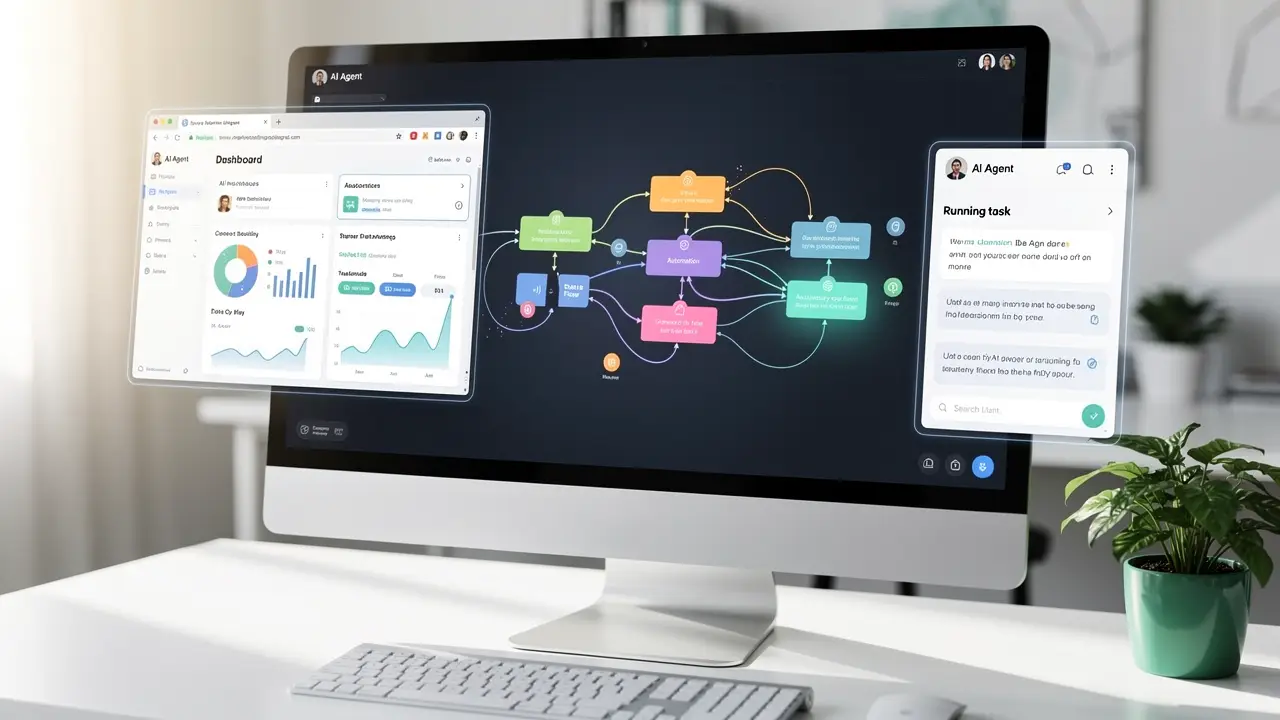
Now stack a second tool: a workflow that updates a shipping address. And a third: one that starts a return. Suddenly your agent can handle a big chunk of support on its own, and every new capability is just another workflow you expose. That's the compounding effect. Each tool you add multiplies what the agent can do, without you rebuilding the agent.
If you want more inspiration for the workflows themselves, this list of n8n workflow examples is a good place to steal ideas, and if the agent side is what's fuzzy, how to build an AI agent breaks that half down.
How to actually get started
You don't need to understand the whole protocol to begin. You need one workflow and one agent talking to each other. Here's the honest path.
Start by getting comfortable in n8n without MCP at all. Build two or three normal workflows. Feel how nodes connect, how data passes between them, how a trigger kicks things off. If that part is shaky, MCP will feel like magic you can't debug, and debugging magic is miserable.
Then build the smallest possible MCP setup. Take one workflow you already trust, something read-only and low-stakes like "fetch today's calendar events," and expose it as a tool. Connect a single AI agent to it. Ask the agent to use it. Watch what happens. That first successful call, where the model reaches out and your workflow actually fires, is the moment the whole thing stops being abstract.
From there you grow by adding tools, not complexity. Resist the urge to build one giant do-everything agent on day one. A few small, well-named, single-purpose workflows exposed as tools will outperform a sprawling monster every time, and they're a hundred times easier to fix when one misbehaves.
If you're the type who learns better with structure and a path laid out for you, that's a big part of what we build at CodingPhase. There are guided courses on automation, AI agents, and the fundamentals underneath them, so you're not stitching together random YouTube videos at midnight. You can see the full library here.
Honest caveats, because this isn't all upside
I'd be doing you dirty if I only sold the shiny part.
It's early. The protocol is young, tooling is uneven, and things break in ways that don't have Stack Overflow answers yet. If you need rock-solid and boring, wait a season. If you like being early, dive in, just know you're partly on your own.
Exposing tools is exposing power. This is the one that actually keeps me up. When you turn a workflow into an MCP tool, you're handing an AI the ability to do that thing. A read-only "look up an order" tool is low risk. A tool that issues refunds or emails your customers is a different animal. An agent that misreads a request can now take a real action, not just say a wrong thing.
So treat exposed tools like you'd treat giving a new hire access on day one. Start with read-only. Add guardrails and confirmation steps before anything that spends money, deletes data, or messages a human. Log everything. Assume the agent will occasionally do something dumb, because early on, it will, and you want a paper trail and an undo button when it does.
Complexity hides. Tools calling tools calling tools is powerful and also a maze. When something goes wrong three layers deep, tracing it is real work. Keep your chains shallow while you're learning.
None of this is a reason to skip it. It's a reason to start small and stay boring longer than feels exciting.
FAQ
What is an MCP server? An MCP server is a program that exposes tools and data to AI models through the Model Context Protocol. It publishes a menu of actions an AI can call, plus instructions for how to call each one, so a model can use those capabilities without a custom integration built for it specifically.
Does n8n support MCP? Yes. n8n works as both an MCP server and an MCP client. As a server, you expose your workflows as tools an outside AI agent can call. As a client, an AI agent inside n8n connects out to external MCP servers to borrow their tools. Check the n8n docs for the current node names, since they evolve.
What's the difference between MCP and a regular API? An API is a way for software to talk to software, and a developer wires up each call by hand. MCP sits a level up: it's a standard way to describe tools to an AI model so the model itself can discover them and decide when to call them. Under the hood MCP often talks to APIs. The difference is who's driving. With a plain API, your code decides. With MCP, the AI does.
Do I need to know how to code to use n8n MCP? Not much. n8n is largely visual, and exposing a workflow as a tool is mostly configuration. A little understanding of data and logic helps a lot once things get real, which is exactly the kind of foundation a structured course gives you.
Is MCP going to replace my automations? No. It makes them more useful. Your workflows still do the work. MCP just lets an AI be the one that decides when to run them, which means the automations you already have suddenly reach further.
MCP is one of those shifts that sounds like jargon until you see it work once, and then you can't unsee it. Your automations stop waiting for you to press go. They become tools an AI can reach for on its own, which quietly changes what a single person can build.
You don't need to master all of it this week. Get one workflow talking to one agent, watch it fire, and let the curiosity take it from there. If you want a real path instead of scattered tutorials, come learn with us at CodingPhase. We'll meet you wherever you're starting from, and we're genuinely excited to see what you automate.