Marketing Automation for Small Business: What Actually Works
On this page
A friend of mine runs a small pottery studio. Great work, a loyal little following, the kind of business you root for. Last month I watched her sit at her kitchen table copying names off a receipt printout so she could text each customer, one at a time, asking for a Google review. She'd been doing this for two hours. She had maybe eleven names done.
I asked her how many of those texts turned into reviews. She said she didn't know, she'd lost track.
That's the moment marketing automation is actually for. Not the enterprise stuff you read about with "omnichannel orchestration" and a five-person ops team. The boring, repeated, human-hours-eating tasks that a small business owner is doing by hand at 10pm because nobody told her a computer could do it for her while she slept.
Let me walk you through what actually moves the needle here, because most of what gets sold as marketing automation for small business is busywork with a nicer dashboard.
What marketing automation actually means for a small business
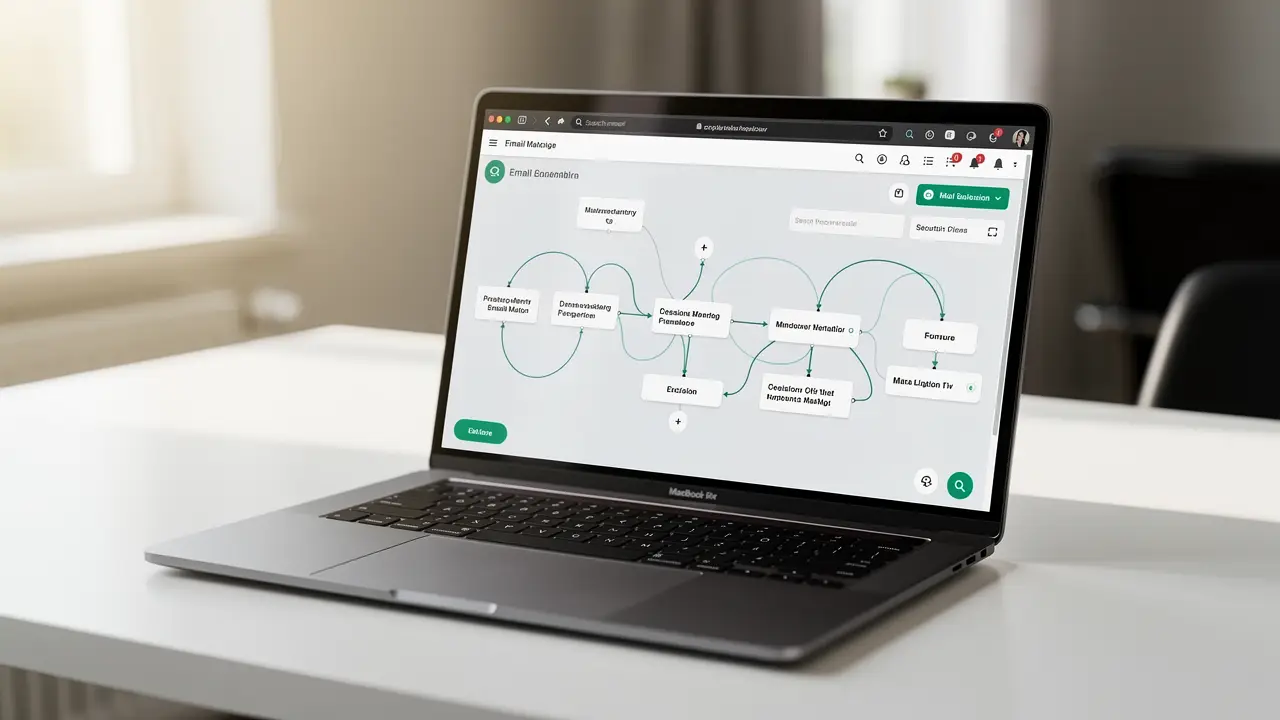
Strip away the jargon. Marketing automation is just this: you set up a message once, you decide what triggers it, and then it sends itself to the right person at the right moment without you touching it again.
Somebody buys for the first time, they get a welcome email. Somebody adds a candle to their cart and leaves, they get a nudge a few hours later. A customer hasn't ordered in five months, they get a "we miss you" note with a small reason to come back. You wrote each of these one time. They fire forever.
For a big company that's about scale. For you it's about not drowning. You're already the owner, the marketer, the person answering DMs, and probably the one packing boxes. Automation buys back the hours you're currently spending on things that follow a rule.
Here's the honest part though. Automation makes good marketing faster, and it makes bad marketing faster too. If your emails are dull and pushy, automating them just means you annoy people on a schedule. So the workflow matters more than the tool. Get the workflow right on one flow, prove it makes money, then add the next.
The workflows that actually make money (set these up first)
Not all automations are worth your time. Some print money. Some just make you feel productive. I'm going to rank them roughly by return, so if you only ever build two of these, build the top two.
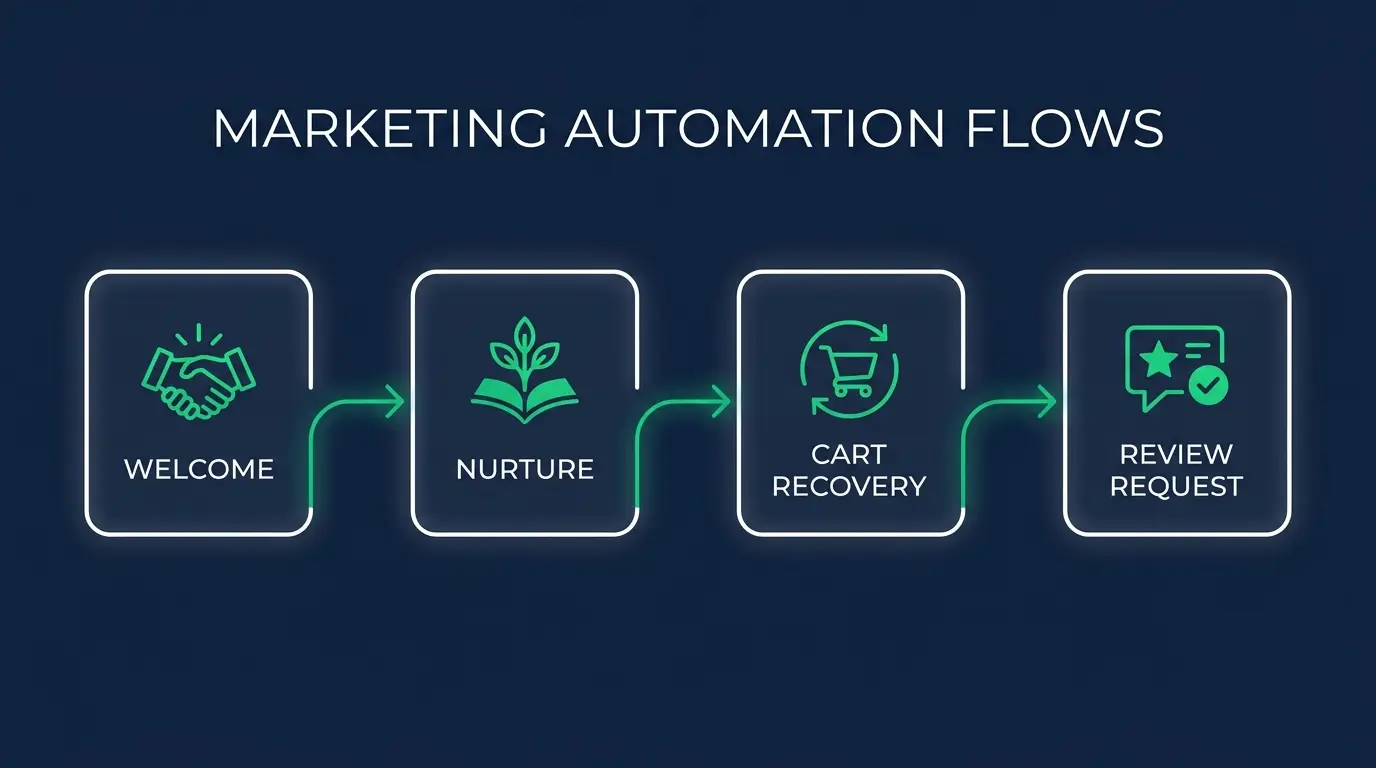
The welcome email (or series). When somebody signs up or buys for the first time, they are paying you more attention than they ever will again. That's the moment to say who you are, what to expect, and give them a reason to buy again. A single welcome email is fine to start. A three-message series does better. This is usually the highest-return flow a small business can turn on, and almost nobody has it running.
Abandoned cart. If you sell online, this is the one that pays for the whole tool. Someone put something in their cart, got distracted, and left. They already wanted it. A gentle reminder a few hours later, then maybe one more the next day, recovers a real slice of sales that were otherwise just gone. Don't lead with a discount in the first message. Lead with the reminder, save any incentive for later, or you train people to abandon carts on purpose.
Review and testimonial requests. This is my friend's two-hours-at-the-kitchen-table problem. Set it up once so that a few days after an order is delivered, the customer automatically gets a short, warm message asking how it went and where to leave a review. Reviews are the cheapest trust you'll ever buy, and asking at the right moment, right after they got the thing and love it, doubles your yes rate.
Lead nurture. Not everyone buys the day they find you. Someone downloads your guide, joins your list, books a call, and then goes quiet. A nurture sequence keeps showing up in their inbox with something useful, so when they're finally ready, you're the name they remember. This matters most if you sell anything people think about before buying, a service or a higher-ticket product they don't grab on impulse.
Re-engagement. Your list has people on it who bought once and vanished. A win-back flow catches customers who've gone cold and gives them a nudge before they forget you exist. Sometimes it's a new product, sometimes just a genuine "did we do something wrong." Cheaper than finding a brand new customer, always.
Birthdays and segments. The lightest-lift, most-human automation there is. A birthday note with a little treat feels personal even though it sent itself. Same idea for segments: your VIPs who order every month should not get the same email as someone who bought once two years ago. You can start simple here and get fancier later.
If you're staring at that list feeling like you have to do all six by Friday, don't. Pick one. I'll come back to which.
The affordable tools, honestly matched to who you are
Tool choice trips people up more than it should. The truth is most small businesses would do fine on several of these, and the "best" one depends on what you sell and how comfortable you are poking at settings. Prices move around and everyone runs promos, so I'm not going to quote you exact numbers that'll be wrong by the time you read this. Check current pricing yourself before you commit.
Mailchimp. The friendliest on-ramp for a lot of people, and probably the most forgiving if you've never done any of this. Good for a service business, a newsletter, a shop that isn't deep into ecommerce. It's gotten pricier as your list grows, which is the usual gripe, so keep an eye on that as you scale.
Brevo. Worth a look if you want email plus SMS in one place and you're watching costs closely. Its pricing leans on how many emails you send rather than how many contacts you store, which can be gentler for a small list that emails often. A solid middle-ground pick.
Klaviyo. If you run a real ecommerce store, especially on Shopify, this is where the serious money is. It plugs deep into your store data, so its abandoned cart, post-purchase, and win-back flows are genuinely better than the general-purpose tools. It costs more and it's more to learn. For an online store doing real volume, it usually pays for itself. We've got a full breakdown in Klaviyo vs Mailchimp if you're torn between those two.
ActiveCampaign. The pick when your automations get genuinely branchy, if this, then that, tag them, wait three days, send a different thing. It leans more toward service businesses and anyone doing real lead nurture and light CRM work. More power, steeper first week.
Then there's the glue layer, which is a different category people confuse with the above. Zapier, Make, and n8n don't send your marketing emails. They connect your apps so a thing in one place triggers a thing in another. New order in your store, add the customer to a spreadsheet and tag them in your email tool and post to your team chat. Zapier is the easiest and the priciest as you grow. Make is more visual and cheaper for complex stuff. n8n you can self-host and it gets very affordable if you're a little technical, we wrote up what n8n is if that's new to you. You don't need any of these on day one. You'll want one eventually. And if you want the wider view past marketing, the small business automation starter guide covers the whole stack.

How to actually start: one flow, this week
Here's the mistake I see constantly. Someone reads an article like this, gets excited, signs up for a tool, and then tries to build all six workflows at once. Two weeks later nothing's live, they feel behind, and the whole thing gets abandoned like a cart.
Do the opposite. Ship one flow.
Pick the welcome email if you're just starting a list, or the abandoned cart if you sell online, because those two have the clearest payoff. Write one message. Make it sound like you, not like a brand, actually type it the way you'd say it. Set the trigger. Turn it on.
Then leave it alone for two weeks and look at the numbers. Did the welcome email get opened? Did the cart reminder bring anyone back? You'll learn more from one live flow than from a month of reading about funnels.
Once it's working, add the next one. This is the whole game. One flow, prove it, stack the next. In six months you quietly have all six running and you built it in pieces that never overwhelmed you. If you want to see how this thinking applies beyond email, the same build-one-thing logic runs through our guide on automating your SEO workflow.
The reframe I want you to keep: automation should make your best marketing repeatable, never make lazy marketing cheaper. If a flow wouldn't be worth sending by hand, automating it doesn't make it worth sending.
What NOT to over-automate
This is the part the tool salespeople skip, so let me say it plainly. Some things should stay human, and automating them backfires.
Your replies, for one. When a customer actually writes back to an automated email with a real question, that's not a workflow, that's a person. If they hit a robot, you lose the exact goodwill the automation was supposed to build. Route real replies to a human, always.
Complaints and refunds too. Nobody wants a cheerful automated sequence while they're annoyed their order arrived broken. Let a person handle the moments that carry emotion.
And volume. The temptation once automation is easy is to send more, because sending costs you nothing now. Resist it. The cost moved from your time to your customer's patience. A flood of automated emails is how you end up in spam and out of mind. Fewer, better, well-timed messages beat a firehose every time.
The best automations are invisible. The customer feels looked after and never once thinks "a machine did this." The second it feels like a machine, you've automated the wrong thing.
FAQ
What is marketing automation for a small business? It's software that sends the right marketing message to the right customer automatically, based on what they did. You set up a message once, choose what triggers it, like a first purchase or an abandoned cart, and it sends itself from then on. For a small business it's mostly about buying back the hours you spend doing repetitive outreach by hand.
What's the best marketing automation tool for a small business? There isn't one best for everyone. Mailchimp is the gentlest starting point for a service business or newsletter. Brevo is a good value pick if you want email and SMS together. Klaviyo is the strongest for a real ecommerce store, especially on Shopify. ActiveCampaign wins when your automations get complex. Start with the one that fits what you sell, not the one with the most features.
How much does marketing automation cost for a small business? Most of these tools have a free or cheap entry tier and scale with your list size or send volume, so a small business can genuinely start for little or nothing and only pay more as it grows. Prices change often and everyone runs promotions, so check the current pricing before you commit rather than trusting a number in an article.
How long until it's worth it? Faster than you'd think if you start with a high-return flow. A working abandoned cart email can pay for the whole tool in its first month for an online store. A welcome series starts compounding immediately. The trick is measuring one flow honestly instead of guessing across six.
You don't need to become a marketing operations expert to get most of this value. You need one good flow, turned on, doing quietly what you're currently doing by hand.
If you want to actually understand the tools instead of just clicking around hoping, that's the whole point of what we build at CodingPhase. The email, automation, and marketing tech skills that let you set this up with confidence, and turn into real, hireable work, are all inside the membership. Come learn with us and build the thing once, the right way, so it works for you while you're doing literally anything else.