Best Email Developer Tools
On this page
Let me say the thing nobody selling you software will: the tools are not the skill. Buying the best email developer tools no more makes you an email developer than owning a piano makes you a pianist. And yet the most common first move I see from beginners is to go shopping.
It looks like progress. It feels like commitment. A cross-client testing subscription billing $99 a month. Two AI copy tools. A paid drag-and-drop builder. A premium ESP plan with a 50,000-contact list and zero contacts in it. A second testing tool bought because the first one looked confusing. Add it up and it's the price of a used car, paid yearly, before a single email has been coded.
And the inbox where the test emails should be landing? Empty. Nothing has shipped.
Here's what's really going on. Buying the kit is a place to hide. It's easier to collect tools than to sit with the hard, boring part, learning why Outlook eats your layout, so people spend the money and call it a head start. I've watched folks burn more on software in a weekend than I spent in my first two years, and produce nothing you could send to a client.
So before I name a single product, the quiet part out loud: the tool doesn't make you good. A sharp email developer with a free code editor and a Gmail test account will out-ship someone running a $200-a-month stack who can't figure out why their layout just broke. Tools are leverage on a skill you already have. They are not the skill.
That's the lens for this whole post. I'm not going to drop twenty products on you with star ratings. I'm going to group them by the job they do, tell you who each one is actually for, and be honest about the tradeoff. Then I'll give you the small stack a beginner genuinely needs on day one, which is shorter than you'd guess.
How I judge whether a tool earns its place
Before a tool gets into my workflow, it has to clear a low bar that most fail:
- Does it solve a problem I actually have yet? Not a problem a YouTuber has. A tool that fixes a pain you haven't felt is just a subscription.
- Does it save real time on work I already understand? If I can't do the thing manually, automating it just produces broken work faster.
- Will it still matter when I level up? Some tools are training wheels you outgrow in a month. Fine for learning, not worth a yearly plan.
- Is the free tier or trial enough to learn on? Almost always, early on, it is.
Run everything below through that filter. Most of what people buy fails the first question.
Coding frameworks: MJML and Foundation for Emails
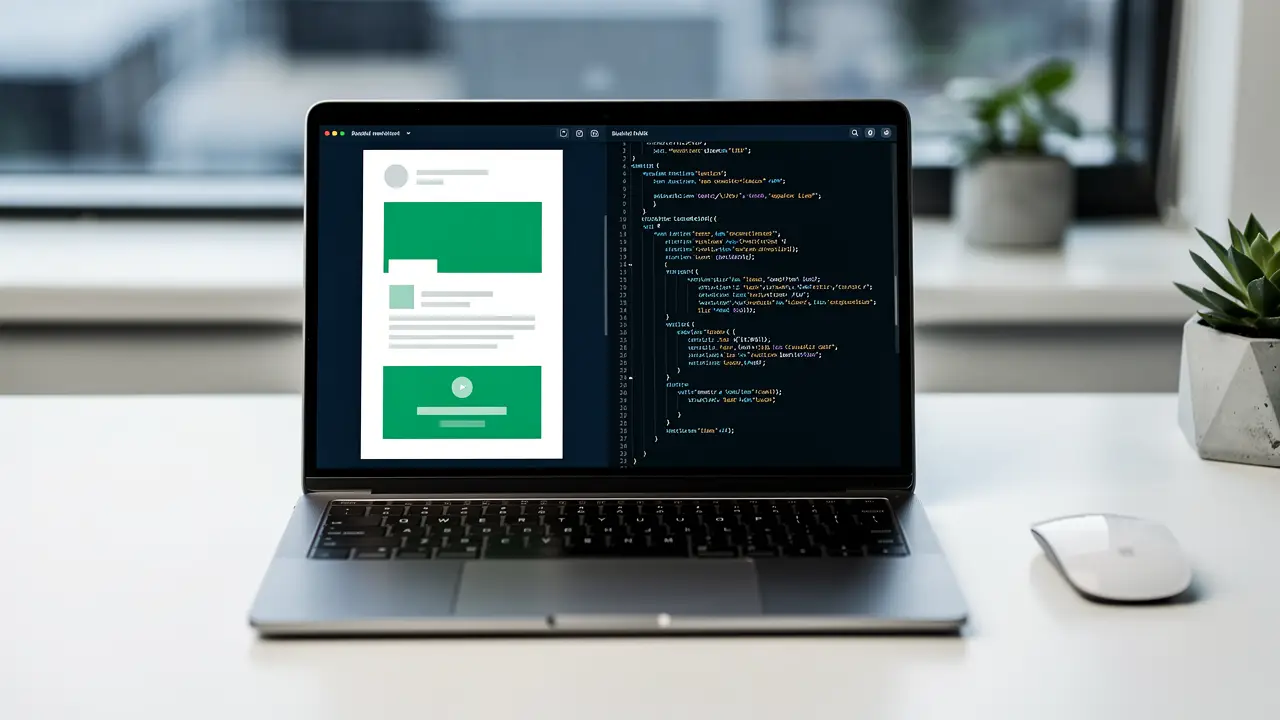
Here's the pain these solve. Hand-coding bulletproof, table-based email HTML is tedious and error-prone. One missing </td> and Outlook detonates. Frameworks let you write cleaner, higher-level markup that compiles down to the ugly, battle-tested HTML that renders everywhere.
MJML is the one most teams reach for. You write semantic components like <mj-section> and <mj-column>, and it spits out responsive, cross-client HTML you'd have spent an hour nesting tables to produce. It's free, open source, and genuinely good.
Foundation for Emails (Inky) does a similar job with a different syntax and a Sass workflow, if that's your world.
The tradeoff, and it's a real one: a framework that writes the hard part for you means you can ship working email before you understand why it works. That's a trap. If MJML breaks or a client needs something it doesn't support, you're stuck, because you skipped the rendering fundamentals the framework was hiding. My honest take: learn raw table-based HTML first, hand-code a few emails until it stops feeling foreign, then pick up MJML as the accelerator it's meant to be. Use it as leverage, not as a way to avoid learning the craft. More on that craft in how to become an email developer.
Code editor and dev setup
This is the part people overthink. You do not need a special "email" editor.
VS Code, free, is what most of us use. Add a couple of extensions for HTML and you're done. Some people like an MJML live-preview extension so you see the compiled output as you type, which is a nice quality-of-life thing once you're using MJML.
That's the whole setup. If a tutorial tries to sell you a paid email-specific IDE as a beginner, close the tab. Your editor is the last place you should be spending money.

Testing and preview: Litmus and Email on Acid
This is the one category I'll tell you is close to non-negotiable, and here's why.
You cannot eyeball whether an email renders correctly. There are dozens of email clients, and they actively disagree with each other. Outlook renders with a Word engine. Gmail strips things. Dark mode inverts your carefully chosen colors. The only way to know your email looks right everywhere is to see it rendered in all those clients at once, and that's exactly what these tools do.
Litmus and Email on Acid both take your email and show you previews across every major client and device in one screen, plus spam and link checks. This is how professionals ship with confidence instead of crossing their fingers and hitting send.
The tradeoff is they're not cheap, and that scares beginners off. So here's the honest sequencing: while you're learning, you can get surprisingly far with free testing, send the email to yourself across a Gmail, an Outlook, and an Apple Mail account and look at it on your actual phone. It's manual and it misses the long tail of weird clients, but it teaches you what breaks and why, which is the skill. Once you're doing real client work where a broken send costs money, paid testing pays for itself on the first campaign. It's the first paid tool I'd actually budget for.
ESPs: pick by the team you want to work on
This is the category people get backwards. They ask "which ESP is best?" The better question is "which team do I want to be hired by?" Because the sending platform you learn deeply is the one that gets you in the door, and different platforms point at very different jobs.
An ESP (email service provider) is where the email actually gets sent from, templates, audiences, automations, the works. Learning one deeply is what makes you hireable instead of theoretical.
Klaviyo lives in e-commerce. If you want to work with Shopify brands and DTC, this is the one to learn. It's everywhere in that world.
Mailchimp is the friendly on-ramp. Small businesses, easy to learn for free, great for your first portfolio automation. Lighter on the deep technical work.
HubSpot sits in the B2B and broader marketing-ops world, bundled with CRM and a lot more than email.
Then the enterprise tier, which is where the pay climbs because the platforms are hard and the developers are rare:
- Salesforce Marketing Cloud runs on its own templating language (AMPscript) and is genuinely complex. Knowing it is a career in itself.
- Braze and Iterable power lifecycle and product messaging at scale for bigger product companies.
The tradeoff to understand: the easy ESPs are fast to learn and abundant, which means lower pay and more competition. The enterprise platforms are painful and slow to learn, which is exactly why they pay more, fewer people push through. Pick by where you want to end up. If you want maximum jobs fast, learn Klaviyo. If you want a high ceiling and don't mind a steeper climb, point yourself at an enterprise platform early. Start free on Klaviyo or Mailchimp regardless, because day one you just need to understand how an ESP thinks.
CSS inliners
A small, specific tool for a specific problem. A lot of email clients ignore <style> blocks in the head, so your CSS has to live inline on each element. Writing it inline by hand is miserable. An inliner takes your nicely organized CSS and pushes it onto every tag automatically before you send.
Good news: if you use MJML or most modern ESPs, inlining often happens for you and you may never touch a standalone inliner. If you're hand-coding raw HTML, a free inliner is a genuine time-saver. It's a utility, not a centerpiece. Don't overthink it, and definitely don't pay much for it.
AMP for email and interactivity
This is the shiny, advanced corner. AMP for email lets you build interactive emails, carousels, accordions, even a form that submits without leaving the inbox. When it works, it's impressive.
Honest take: it's a niche, ceiling-raising skill, not a starting point. Support is uneven across clients, setup is fiddly, and most teams aren't doing it yet. Learn it after you're solid on the fundamentals, as the thing that makes a team fight to keep you. Chasing it early is a classic case of buying the advanced tool before you have the basic skill it sits on top of.
AI assistants: leverage, not a crutch
You're going to use AI in this job, so let me frame it the right way. ChatGPT, Claude, GitHub Copilot. They're great at the boilerplate. Roughing in a table structure, explaining why Outlook is breaking something, generating a media query, writing the tedious repeating bits.
Here's the line that matters, and it's the same one I'll die on for SEO and everything else: AI should make good email development faster, never make not knowing how email works feel survivable. If you can't read the HTML it gives you, you can't catch the moment it confidently hands you something that breaks in Outlook, and it will. The developers who use AI as leverage on top of real understanding ship faster and get more valuable. The ones who use it to skip learning produce broken email at speed and can't debug their way out. Use it to go faster at something you understand. Don't use it to avoid understanding.
Image and asset tools
Email is image-heavy, and heavy images kill load times and land you in spam folders. You need two boring capabilities here.
Design handoff: you'll be handed mockups in Figma, so being able to open a file, pull exact colors, spacing, and assets, and export images at the right size is part of the job. You don't design in it, you read from it.
Image compression: a free tool like TinyPNG to squeeze file sizes before they go into the email. Smaller images, faster loads, better deliverability. That's it. This category is cheap-to-free and high-impact, and people skip it constantly.
The starter stack: what you actually need day one
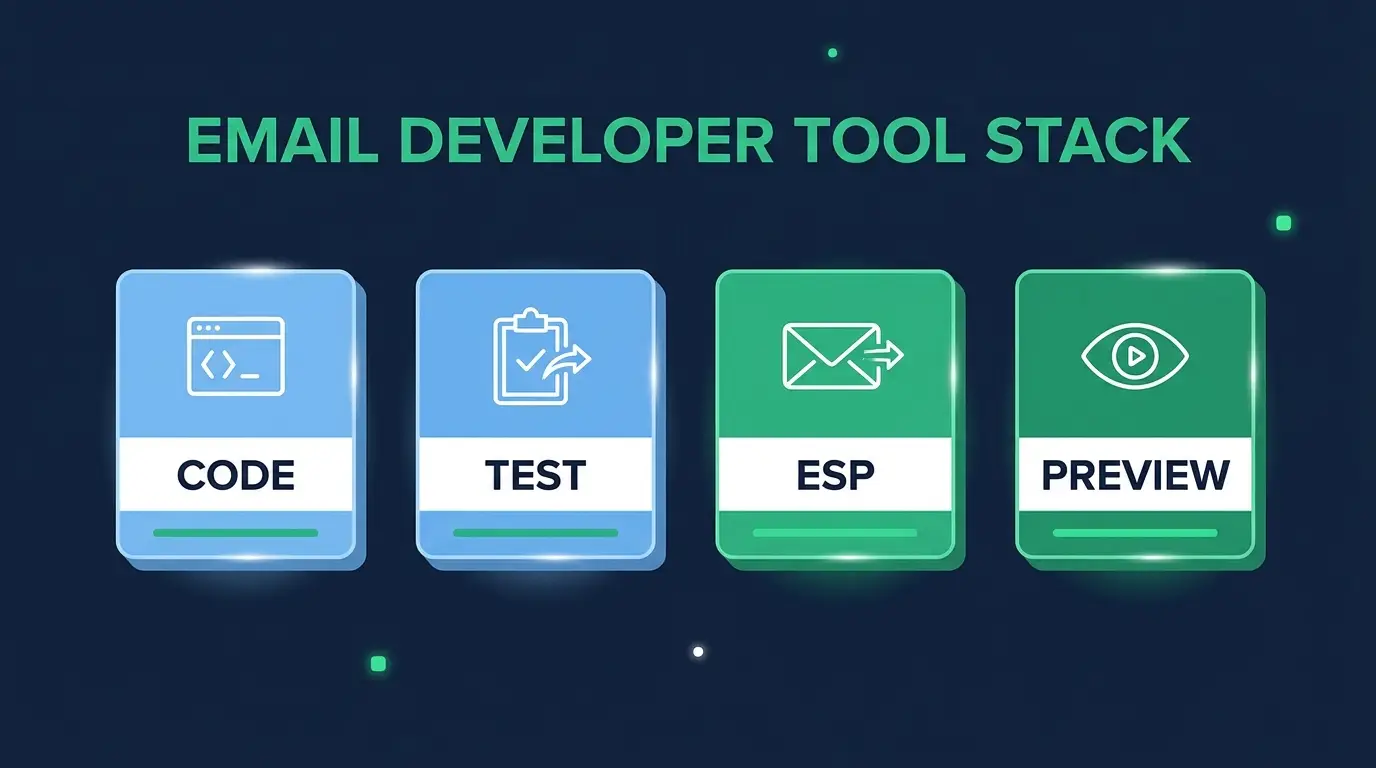
Here's the part the guy with twelve tabs in his cart needed. To start learning and build your first portfolio emails, this is the whole list:
- VS Code: free editor.
- A few real inboxes to test in: a Gmail, an Outlook.com, an Apple Mail account, and your actual phone. Your free testing lab.
- One free ESP account: Klaviyo or Mailchimp. Load a template, build one automation, send yourself a test.
- An AI assistant: to explain what breaks and speed up boilerplate, used honestly.
- A free image compressor: TinyPNG or similar.
That's it. Total cost: zero. Notice what's not here, no Litmus subscription, no MJML yet, no enterprise platform. You add those when a real problem demands them, not before. Hand-code a few ugly emails first. Add MJML when the table-nesting starts to bore you. Budget for paid testing when a broken send would cost a client money. Each tool enters your stack the day you feel the pain it solves, and not one day sooner.
The tool is not the skill
I'll say it once more because it's the thing that actually changes outcomes. Every tool here is leverage on an ability you build by coding emails, breaking them, and fixing them. The person who owns the most software is not the person who gets hired. The person who can make one layout render clean across forty inboxes is, and they can prove it with a portfolio of real, tested emails, not a list of subscriptions.
Buy the tool when the work asks for it. Build the skill first.
FAQ
Do I need paid tools to start as an email developer? No. You can learn the entire craft and build your first portfolio on free tools, VS Code, a few test inboxes, a free ESP account, and an AI assistant. Paid tools like Litmus solve real problems later, but none of them are required to start, and buying them early is the most common beginner mistake.
What are the best free email developer tools? VS Code for coding, MJML for compiling cleaner email HTML, a free ESP tier from Klaviyo or Mailchimp, TinyPNG for image compression, and your own real inboxes for testing. That set covers everything you need to learn the job and ship real emails without spending anything.
Do I really need Litmus or Email on Acid? Not while you're learning. You can test manually across a few real inboxes and your phone, which also teaches you what breaks and why. Once you're shipping paid client work where a broken send costs money, a paid testing tool pays for itself fast and becomes close to non-negotiable. It's the first paid tool worth budgeting for.
What tools do professional email developers actually use? Usually a framework like MJML, VS Code, a paid testing tool like Litmus or Email on Acid, deep knowledge of one or two ESPs (Klaviyo in e-commerce, or enterprise platforms like Salesforce Marketing Cloud and Braze), Figma for design handoff, and AI assistants for speed. But the stack varies by team, the ESP you know deeply matters far more than owning every tool.
Which ESP should I learn first? Pick by the work you want. Klaviyo gets you into e-commerce and has the most jobs. Mailchimp is the easiest free on-ramp for learning. Enterprise platforms like Salesforce Marketing Cloud and Braze are harder but pay more because fewer people learn them. Start free on Klaviyo or Mailchimp to understand how an ESP works, then specialize.
If you're staring at a list of tools wondering which to buy, here's the kinder version of the answer: buy none of them yet. Open VS Code, hand-code one ugly email, break it in Outlook, and fix it. That single afternoon will teach you more than any subscription. The tools start mattering once you have the skill for them to amplify.
That's exactly what the email marketing specialist career path is built to do, give you the skill first, in the right order, so every tool you eventually add is leverage instead of a crutch. And when you're ready to point that skill at a paycheck, remote email developer jobs are more open than the crowded front-end market most people are fighting over.
Start with the free stuff. Build the thing. I've got you.