Best CMS Platforms to Learn (If You Want a Web Job)
On this page
One CMS still runs more than 40% of every website on the internet, and learning it first is the single fastest path from "I'm studying to code" to "someone is paying me to build their site." That CMS is WordPress, and I'll defend that pick all day.
I know that's not the answer the internet wants to give you. You read one Reddit thread that says WordPress is dead, another that swears Webflow is the future, a third that insists headless is the only serious choice. So you freeze. You learn nothing because you're terrified of learning the wrong nothing.
Here's the part nobody tells you: the "best" CMS to learn isn't the most modern or the most loved. It's the one with the most paid work attached to it, the gentlest on-ramp, and skills that carry over to everything else you'll touch later.
That ranking looks very different from the hype. So let me walk you through every platform worth your time, in the order I'd actually learn them, and tell you the honest tradeoff for each.
How I'm picking these (read this first)
I'm not ranking these by which one is the most fun to build in. I'm ranking them by one thing: does learning it get you paid?
When I size up a CMS for someone starting out, I look at four things.
Job demand. How many real listings mention it? Not "is it cool," but will a hiring manager in your city know what it is.
Ease of entry. How fast can you go from zero to genuinely useful. Some platforms let you ship in a weekend. Others want you to understand their entire mental model before you build anything.
Ecosystem. Plugins, themes, docs, Stack Overflow answers, freelance gigs, a community that's answered your dumb question already. A big ecosystem means you're never stuck alone.
Where it leads. A CMS isn't the destination. It's the door. Does this one open into agency work, freelance, in-house web admin, ecommerce, dev? Some doors lead to bigger rooms than others.
Here's the line I want you to keep: learn the platform employers actually hire for, not the one that wins arguments online. Those are rarely the same platform.
WordPress: learn this first, no debate
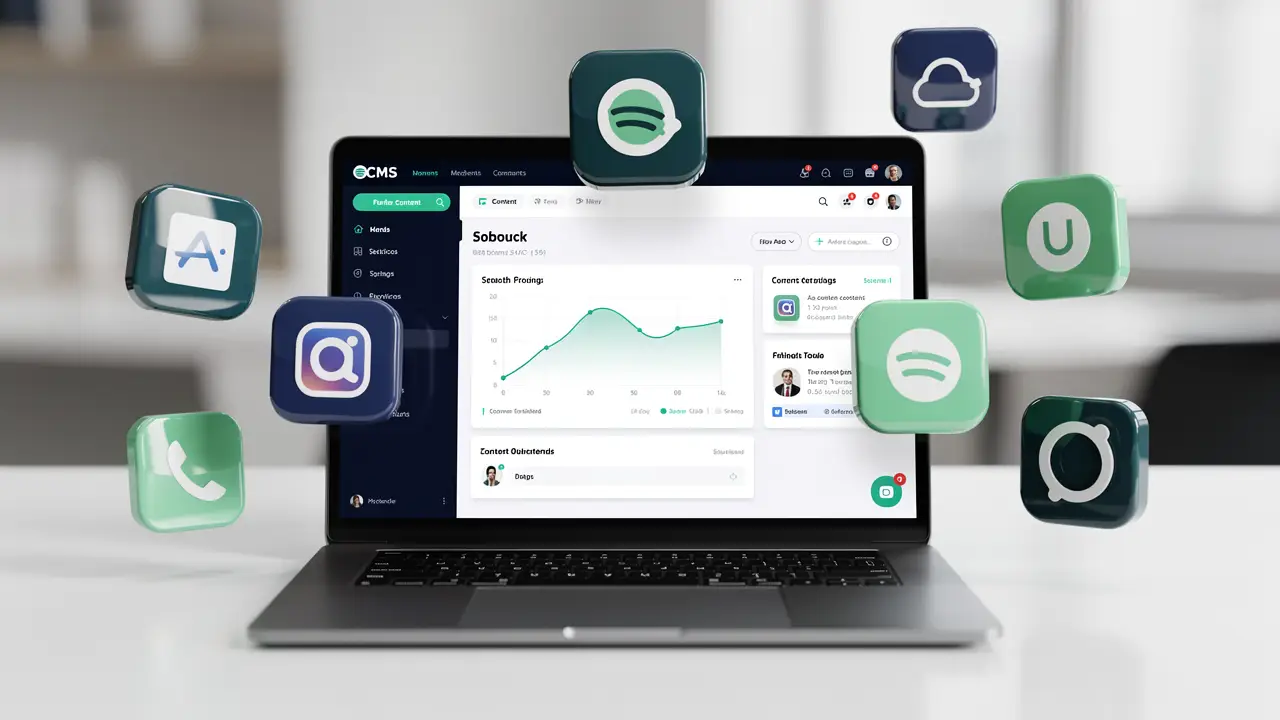
Roughly 40% of the entire web runs on WordPress. Not 40% of "small blogs." Forty percent of everything, from your dentist's site to chunks of major newsrooms.
That number is the whole argument. The job market follows the install base, and nothing else is close.
Pros. The biggest job market in web work, full stop. Every small agency, every local business, every nonprofit needs someone who can run a WordPress site. The ecosystem is enormous, so whatever weird thing you need to do, someone wrote a plugin or a tutorial for it. You can get a site live the same afternoon you start.
Cons. I'll be honest, because I've cleaned up the mess. WordPress gets bloated fast. Stack ten plugins and your site slows to a crawl. It's also the most-attacked platform on earth precisely because it's the most popular, so security and updates are a real, ongoing chore. Plugin-by-plugin sites can become a Jenga tower nobody wants to touch.
Who it suits. Almost everyone reading this. If you want a web content manager job (the same role hides behind titles like web producer, web content manager, and e-commerce specialist), freelance income, or an agency role, WordPress is your foundation. Start here. Most of the work you'll find for years is running WordPress sites day to day: publishing content, building landing pages, pushing promo updates, and keeping everything current, and that's a skill people pay well for.
Shopify: if you want to live near the money
Shopify is the one I point people to when they ask, "what's WordPress but for someone who wants to make stores?"
Ecommerce is where a lot of web budgets actually sit, because a broken store loses money by the hour. That urgency means real demand.
Pros. Strong, steady job demand, and it skews toward better-paying gigs because the work touches revenue directly. The platform handles hosting, security, and payments for you, so you spend your time on the storefront instead of server fires. There's a healthy market for Shopify theme tweaks, app setup, and store management.
Cons. You're locked into Shopify's world and its monthly fees plus transaction cuts. Deep customization means learning Liquid (their templating language) and sometimes wrestling the platform to do something it wasn't built for. It's a narrower skill than WordPress, so you're betting on the ecommerce lane specifically.
Who it suits. People who like the idea of working on stores and want to be close to revenue. Pair it with WordPress and you cover a huge slice of the small-business web.
Webflow: the modern, designer-friendly one
Webflow is gorgeous to work in. It's a visual canvas that writes clean HTML and CSS under the hood, so you build by dragging while actually learning how layout works.
I like it. I also tell people exactly where it bites.
Pros. Fast, modern, and great if you lean visual or come from a design background. You learn real CSS concepts without typing them by hand at first. Agencies that pitch high-end marketing sites increasingly want Webflow, and those clients pay.
Cons. Pricing climbs as your needs grow, and you're locked into Webflow's hosting and ecosystem. Exporting cleanly off the platform is painful, so clients can feel trapped. The job market is real but much smaller than WordPress, and it's concentrated in design-forward agencies rather than spread across every town.
Who it suits. Visual thinkers and aspiring designers who want a portfolio that looks expensive. Strong as a second platform after WordPress, weaker as the only thing on your resume.
Drupal: the enterprise heavyweight
Drupal is what runs when "WordPress can't handle this" stops being a meme. Universities, governments, big institutions with complex content and strict security.
Pros. It's genuinely powerful for complicated, structured content and heavy permission systems. The jobs that exist pay well because the projects are big and the talent pool is thin. Government and enterprise contracts can be stable for years.
Cons. The learning curve is steep and a little punishing. You won't be productive in a weekend. The community is much smaller than WordPress, so fewer tutorials, fewer plugins, fewer people to bail you out. And the number of jobs is far smaller, even if the pay per job is higher.
Who it suits. People aiming at enterprise or public-sector work, or who already enjoy the deeper technical side and want a specialty with less competition. Not a first CMS.
Joomla: be honest, it's fading
I'm including Joomla because you'll see it on old course lists and wonder if you're missing something.
You're not.
Pros. More built-in structure than old WordPress out of the box, and there are legacy sites still running on it that occasionally need maintenance.
Cons. It's been declining for years. The community is shrinking, new projects rarely choose it, and the job listings have mostly dried up. Every hour you spend learning Joomla is an hour not spent on something with a growing market.
Who it suits. Honestly, almost nobody starting today. Learn it only if a specific client drops a Joomla site in your lap and pays you to keep it breathing.
Headless CMS: Contentful, Sanity, Strapi
This is the modern, developer-leaning corner. A headless CMS stores your content and hands it out through an API, while you build the actual front end yourself with something like React or Next.js.
It's where a lot of newer dev jobs are heading.
Pros. Flexible, fast, and the architecture serious product teams increasingly favor. Strapi is open-source and free to self-host. These skills overlap directly with front-end development, so they push your career toward higher-paid dev roles.
Cons. This is not beginner-friendly web admin. You need real coding skill, an understanding of APIs, and usually a JavaScript framework before any of it makes sense. There's no "log in and edit the homepage" simplicity. You're building the whole experience yourself.
Who it suits. People who want to become developers, not site managers. A fantastic later goal once you can actually code. A terrible first stop if you just want a web job this year.
What to actually learn first
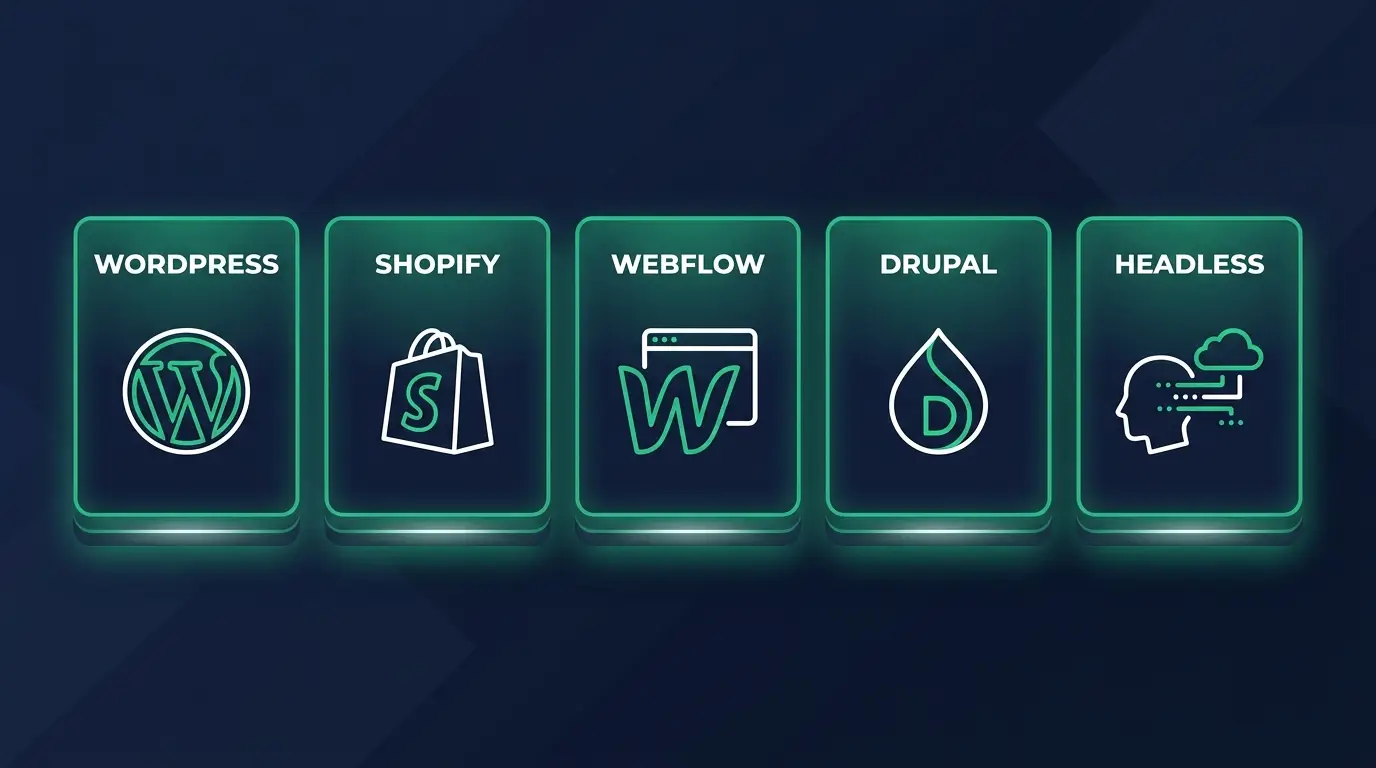
Here's my verdict, no hedging.
Learn WordPress first. It has the biggest job market by a mile, you can be useful in weeks, and the everyday publishing and update work alone can pay your bills while you grow.
Add Shopify second if you want to be near ecommerce money, or Webflow second if you lean design.
Treat Drupal and headless as specialties you grow into once you're employed and want to climb. Skip Joomla unless someone pays you to touch it.
One platform, learned deeply enough that people trust you with their live site, beats five platforms you sort-of know. Depth gets hired. Breadth gets bookmarked.
FAQ
Is WordPress still worth learning in 2026? Yes, more than anything else on this list. It powers around 40% of the web and the publishing and build work isn't slowing down. The job market simply follows the install base.
Which CMS has the most jobs? WordPress, by a wide margin, followed by Shopify in the ecommerce lane. Drupal pays well per role but has far fewer openings.
Do I need to know how to code to use a CMS? For WordPress, Shopify, and Webflow you can start with little to no code and add HTML, CSS, and a bit of PHP or Liquid as you grow. Go deep enough on the PHP side and you're doing the work of a PHP developer, which is a career of its own. Headless platforms like Strapi and Contentful need real coding from day one.
Should I learn Webflow or WordPress? WordPress for the most job options, Webflow if you're design-focused and want a premium-looking portfolio. The strongest move is WordPress first, Webflow second.
Can I get a web administrator job knowing only one CMS? Yes, if that CMS is WordPress and you actually know it well, including publishing workflows, landing pages, and the SEO and analytics fields that come with them. See how to become a web administrator for the full path, and these portfolio examples for what to show off.
Stop collecting platforms and pick the one that gets you hired. For most people that's WordPress, learned until you're the person clients trust with their live site.
If you want a clear, ordered path instead of a pile of half-finished courses, that's exactly what we build at codingphase. Come learn it with me, ship something real, and let's get you that first web job.